
Keyboards
a infodumps autistically about their history with keyboards and the keyboards they've built, plus the parts they own and their preferences regarding them.
Last modified
My history with keyboards
When I built my first desktop computer in 2011, I had a Razer Lycosa which I had gotten for a discount from Amazon. It wasn't an amazing keyboard by any stretch of the imagination, being a typical membrane keyboard, but it had blue LED backlighting, and I liked that since I like the color blue and I often used my computer in the dark.
By 2013, I decided to grab a Razer Blackwidow Chroma Stealth as an upgrade. This was my first-ever mechanical keyboard, and I really liked the tactile feel of it. It served me well enough for many years.
In 2021, having disposable income for the first time in my life, I got my first GMMK Pro, which was a hyped keyboard at the time. Before then, mechanical keyboards were often not very obtainable, and mass-market options were not particularly well-built. The GMMK Pro stood out as a mass-market option built out of aluminum, and while it was relatively panned by the enthusiasts who were used to waiting for group buys, it had its niche as a keyboard you could just buy off-the-shelf as it was generally in stock at all times. Of course, it had its issues, but most of the issues with the GMMK Pro were relatively easy to overcome. The factory-overlubed stabilizers weren't bad if you cleaned them or swapped them out, and you could get a fair bit of mileage out of modding the keyboard with aftermarket foams, switches, stabilizers, plates, and so on. I liked it well enough that I bought my second GMMK Pro some years later, albeit much cheaper and from eBay. One of the nicest things about this keyboard is that it fully supports QMK custom firmware, so I could compile my own firmware image and layout just the way I like it.
Also in 2021, I got my Drop Alt (low profile) to use on-the-go with my laptop. This is another keyboard that the enthusiasts panned for being too expensive and "not worth it", but there aren't really many (any?) other keyboards that let you connect a cable from either the left or the right, and then use the other side as a USB-C port and hub. This is a genuinely useful feature that motivated me to buy my Drop Alt (high-profile) for my desk setup at home. I wish more keyboards had built-in USB hubs like this, and I have used the second port to connect my Keychron Q0 numpad or Yubikeys in convenient locations.
One keyboard I kind of regret getting is my Zoom65. I bought it because it supported Bluetooth, but I eventually found out that this came at the cost of full QMK compatibility. Encountering QMK license violations is an all-too-common problem with many tri-mode wireless keyboards, as I later learned. Anyway, I was going to use it as an on-the-go laptop keyboard, but it's honestly too heavy to be good at that. It's a shame, really... The build turned out looking nice and feeling fairly nice as well. But if I knew then what I knew now, I probably wouldn't have bought it at all.
I doubt I'm going to buy any more keyboards beyond this point, but who knows? Maybe something comes out in the future that is worth my while. I'm pretty satisfied with what I've got, though.
My keyboard builds
My first GMMK Pro
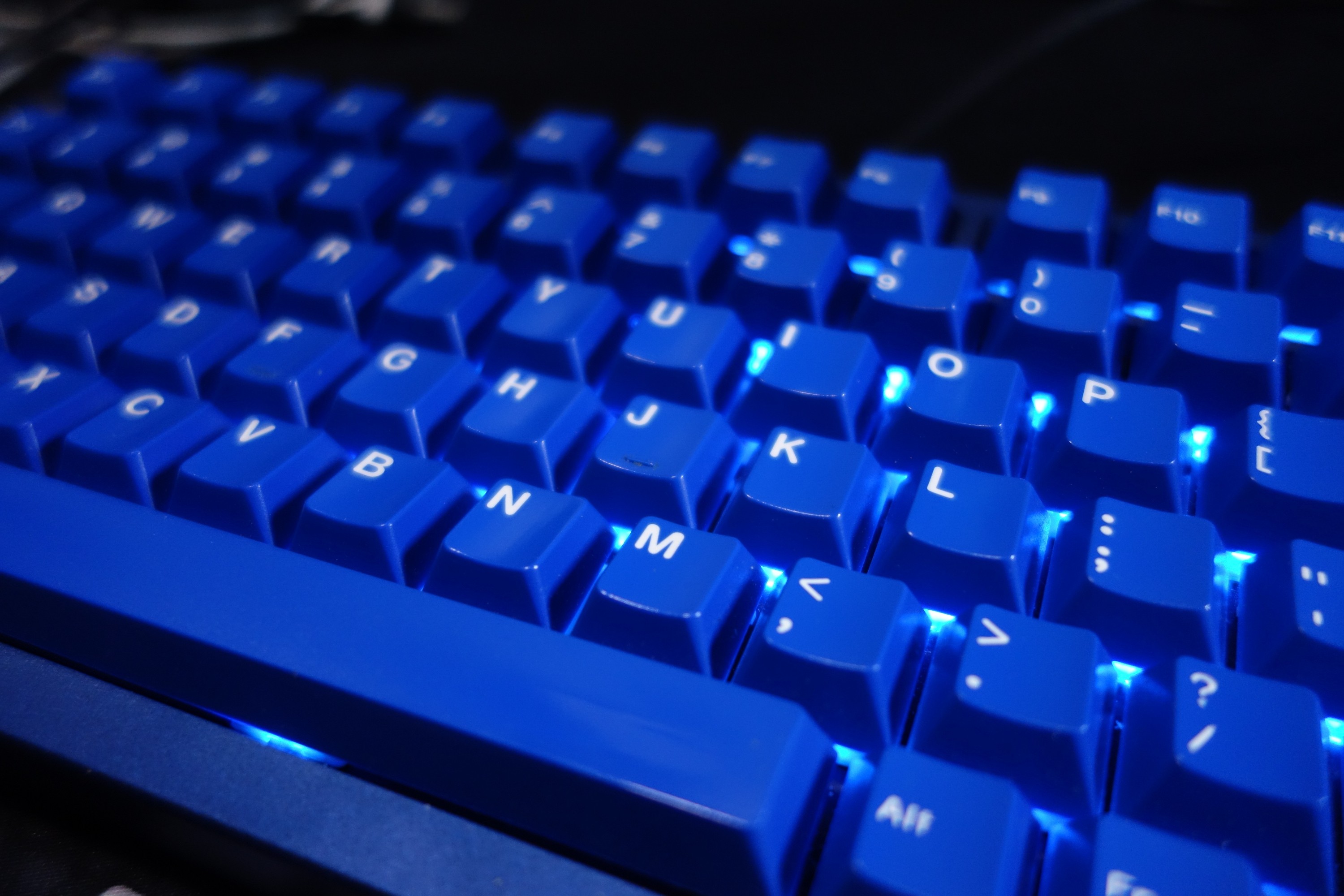
I've specced this out to sound pleasant according to my preferences. In enthusiast lingo, it's "thocky". Buzzwords aside, it's a deep and warm low-pitched sound, with a bit of muted resonance. Less of that harsh "clacky" sound, due to the aftermarket poron foam inside the plate assembly.
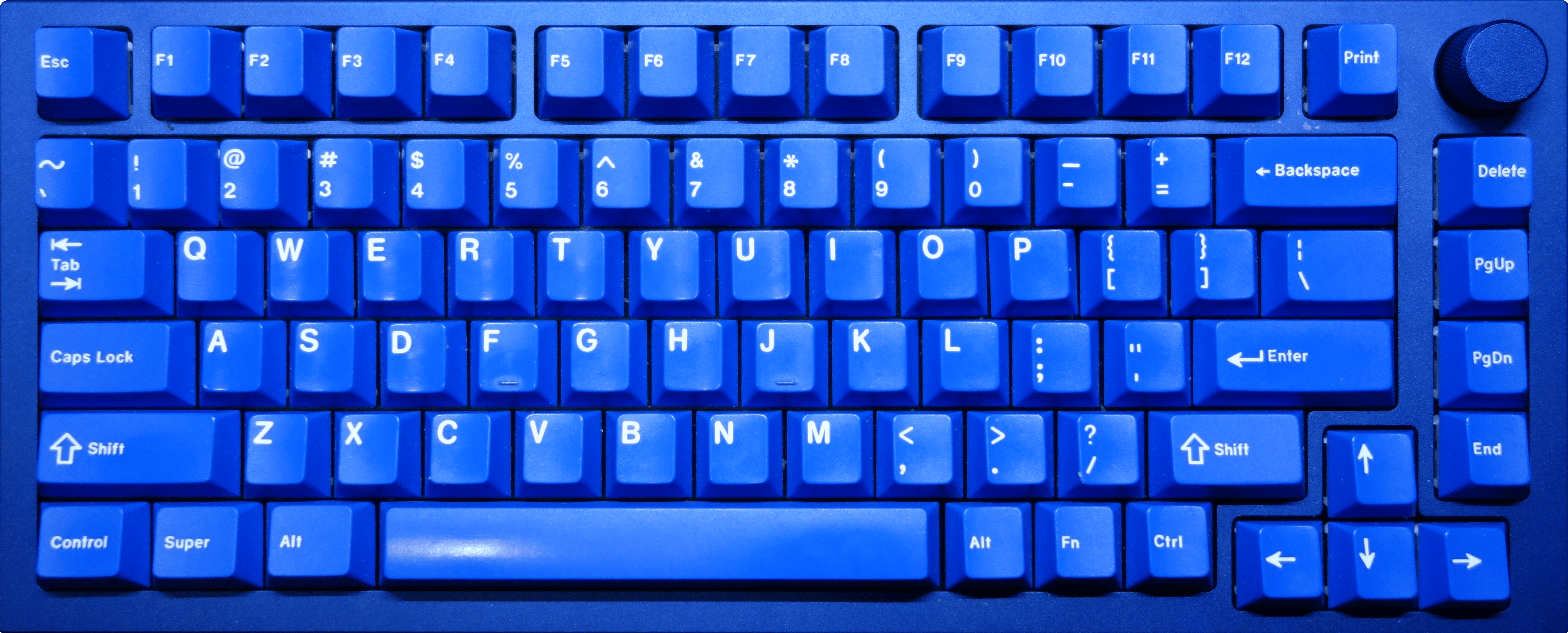
Visually, it's a blue-on-silver look, courtesy of the GMK Classic Blue (Blue Base) key cap set.
Build details
- Base
-
- Name
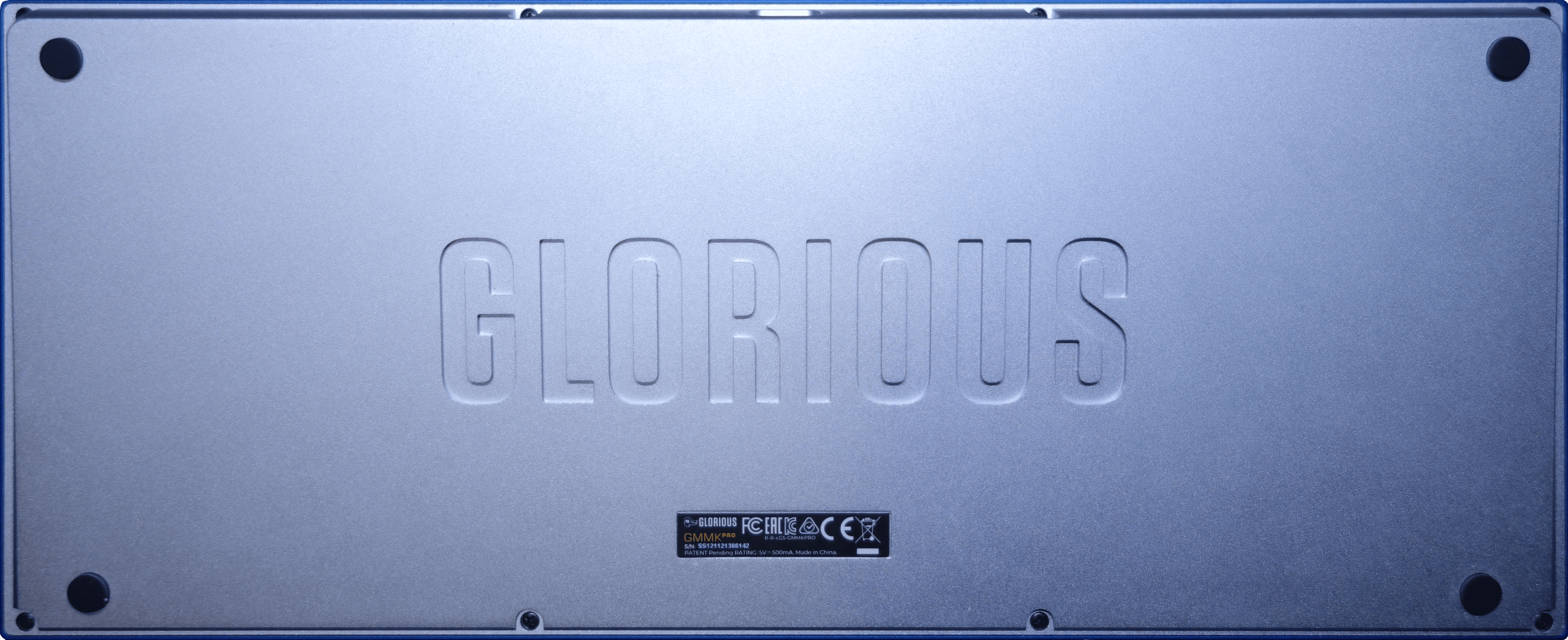
- GMMK Pro
- Description
- Navy Blue top frame on Arctic White bottom frame. Navy Blue knob. Aluminum plate.
- Layout
- Exploded 75% (82 keys and 1 knob)
- See also
- Caps
- GMK Classic Blue (Blue Base)
- Switches
- Glorious Panda (relubed by hand with Tribosys 3202 grease)
- Stabilizers
-
- Name
- AEBoards Staebies 2.2
- Description
- Nylon housing, POM stem. Very tight tolerances to avoid wobble and rattle without needing to mod them.
- See also
- AEBoards Staebies (CannonKeys USA)
- Foams
-
- Name
- Keyboard Kustoms Poron Foam Kit
- See also
- GMMK Pro Poron Foam Kit (Keyboard Kustoms)
- Mods
-
-
- Name
- Tempest Tape Mod
- Description
- Applying 1 or more layers of painter's tape to the back of the PCB. (2 layers applied)
- Purpose
- Reflects certain frequencies of sound when keys are pressed, shaping the sound profile to be more "poppy" (a bit deeper and more resonant).
- See also
- Tempest Tape Mod Explained (5:10) -- nearLucid on YouTube
-
- Description
- Placing Band-Aid fabric on the PCB underneath the stabilizers
- Purpose
- Softer, cushioned bottom-out impacts and reducing clacking
-

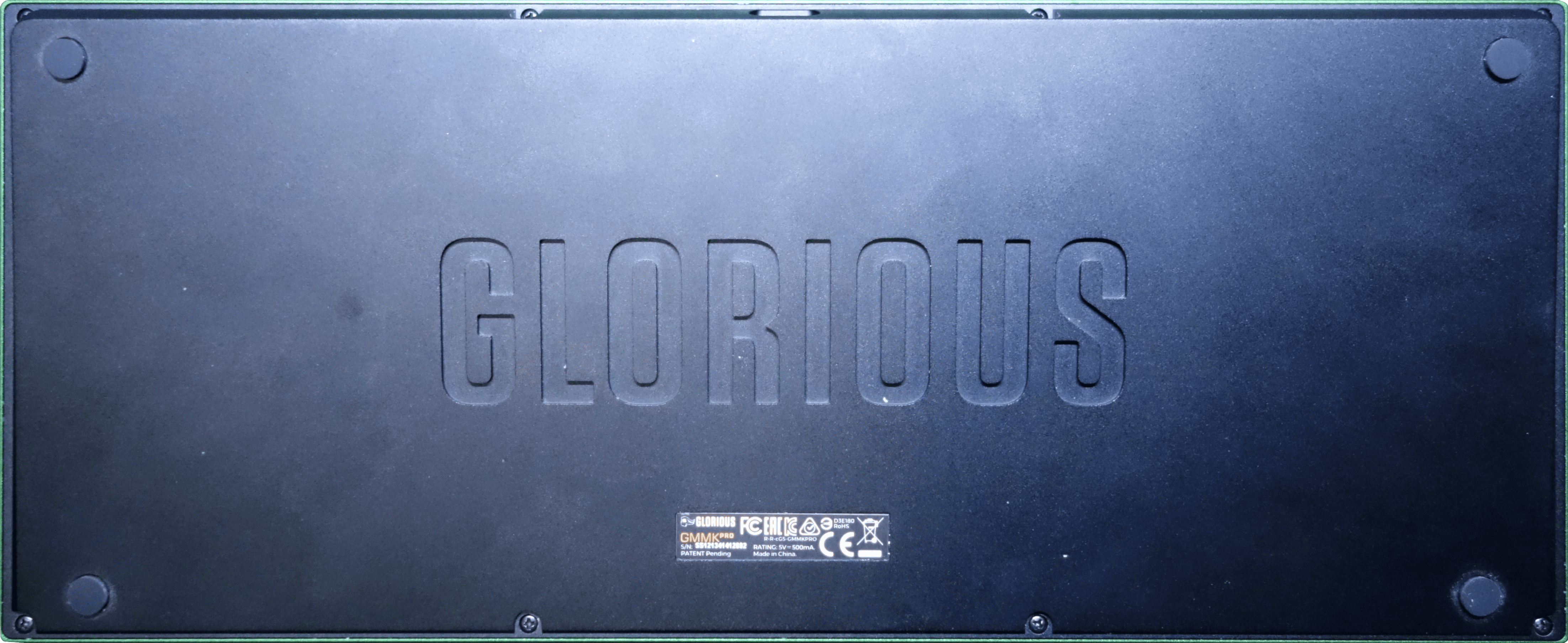
My second GMMK Pro
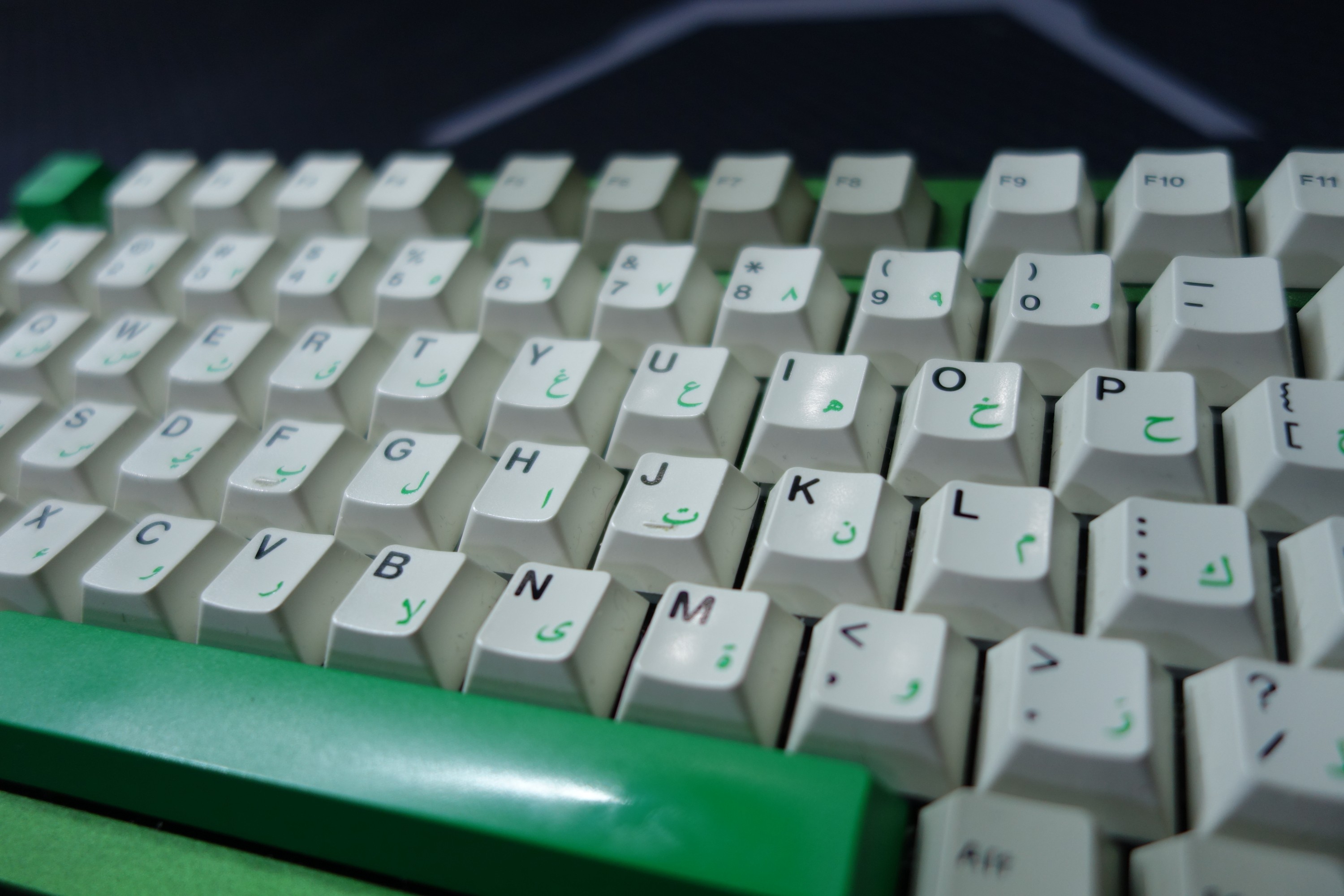
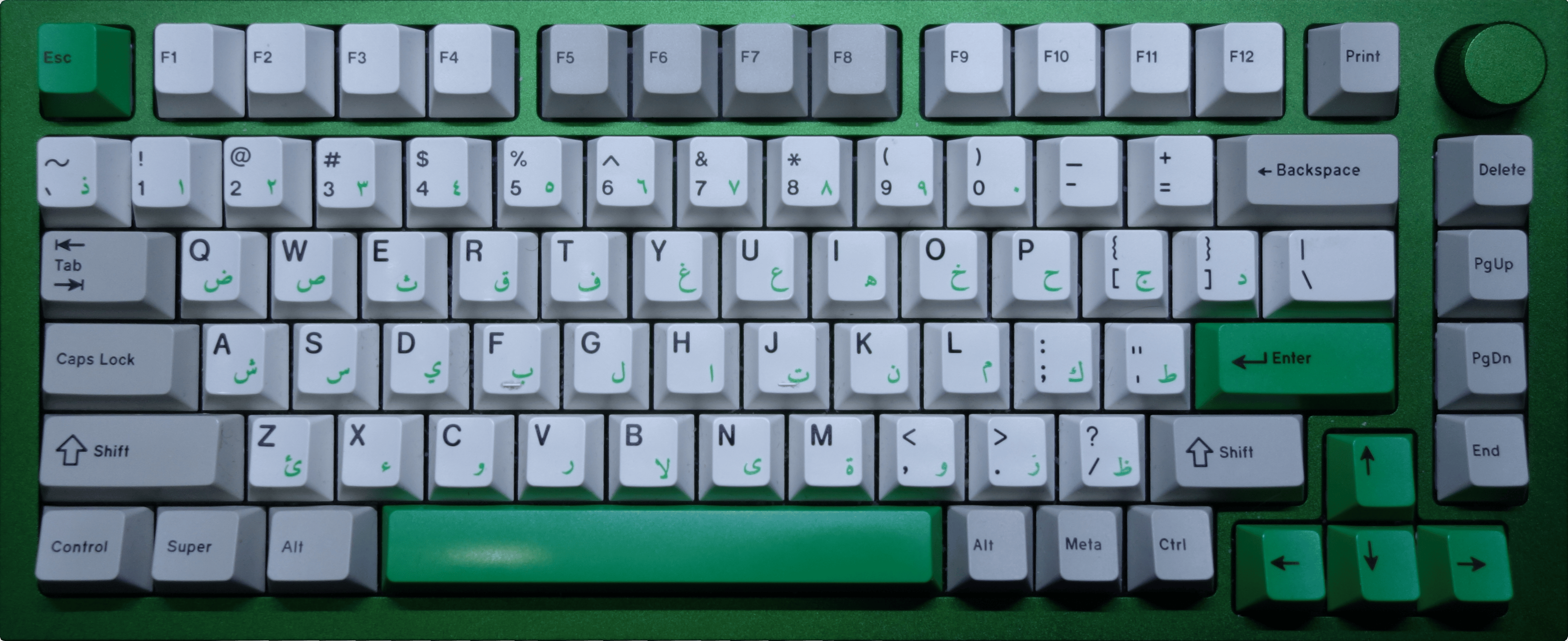
This one is using silent tactile key switches (the Akko Penguins), so it barely makes any sound at all while typing.
Visually, it's a green and grey affair, courtesy of the GMK Classic Arabic keycap set. The Arabic legends come in handy when typing in Arabic, since I don't yet know how to touch-type in Arabic and still have to look for the correct keys.
Build details
- Base
-
- Name
- GMMK Pro
- Description
- Forest Green top frame on Black Slate bottom frame. Forest Green knob. Aluminum plate.
- Layout
- Exploded 75% (82 keys and 1 knob)
- See also
- Caps
- GMK Classic Arabic
- Switches
- Akko Penguin V3 Silent Tactile
- Stabilizers
-
- Name
- TX AP 2023, Clip-in, 1.6mm PCB, Regular Pole
- See also
- TX Stabilizers (CannonKeys)
- Foams
-
- Name
- Keyboard Kustoms Poron Foam Kit
- See also
- GMMK Pro Poron Foam Kit (Keyboard Kustoms)

My high-profile Drop ALT
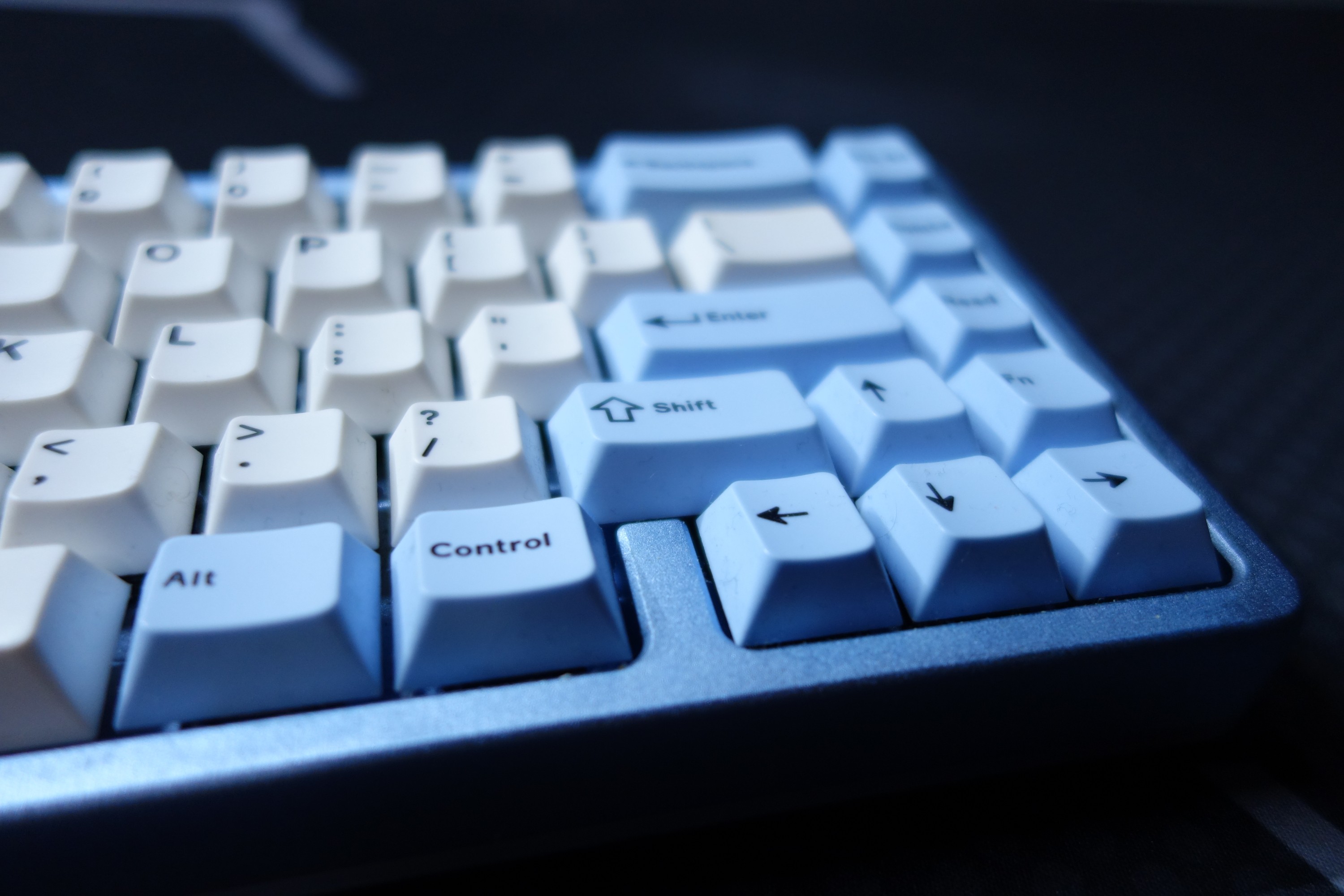
I use this sometimes at my desk when I don't need the function row and when I want a deeper, more muted "marbley" sound. It also looks pretty nice and frosty.
Build details
- Base
-
- Name
- Drop ALT
- Description
- Drop Alt V1 PCBA with Arctic Blue High-Profile Case
- Layout
- 65% (67 keys)
- Caps
- Drop + MiTo DCD Pegaso
- Switches
- DROP Holy Panda X (Hand-lubed)
- Stabilizers
-
- Name
- Durock gold-plated plate-mount stabilizers
- Foams
-
- Name
- Drop ALT Poron Foam Kit
- Comment
- No longer available after Corsair shut down Drop

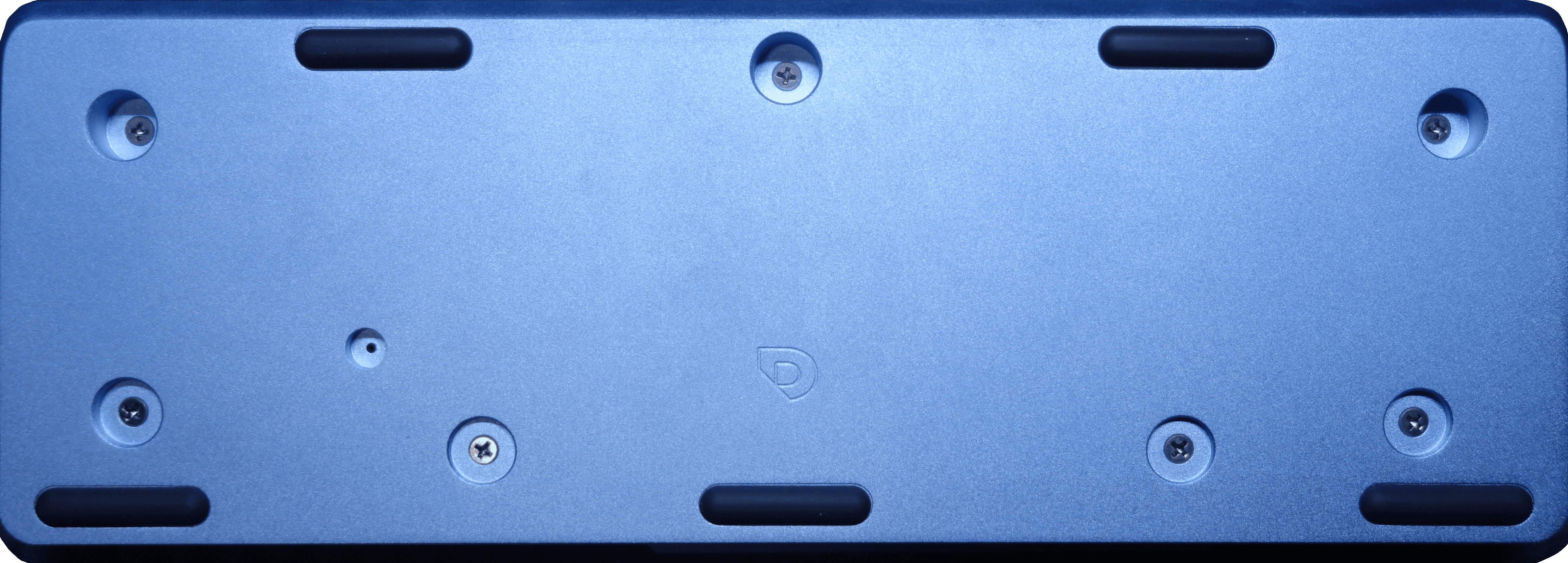
My low-profile Drop ALT
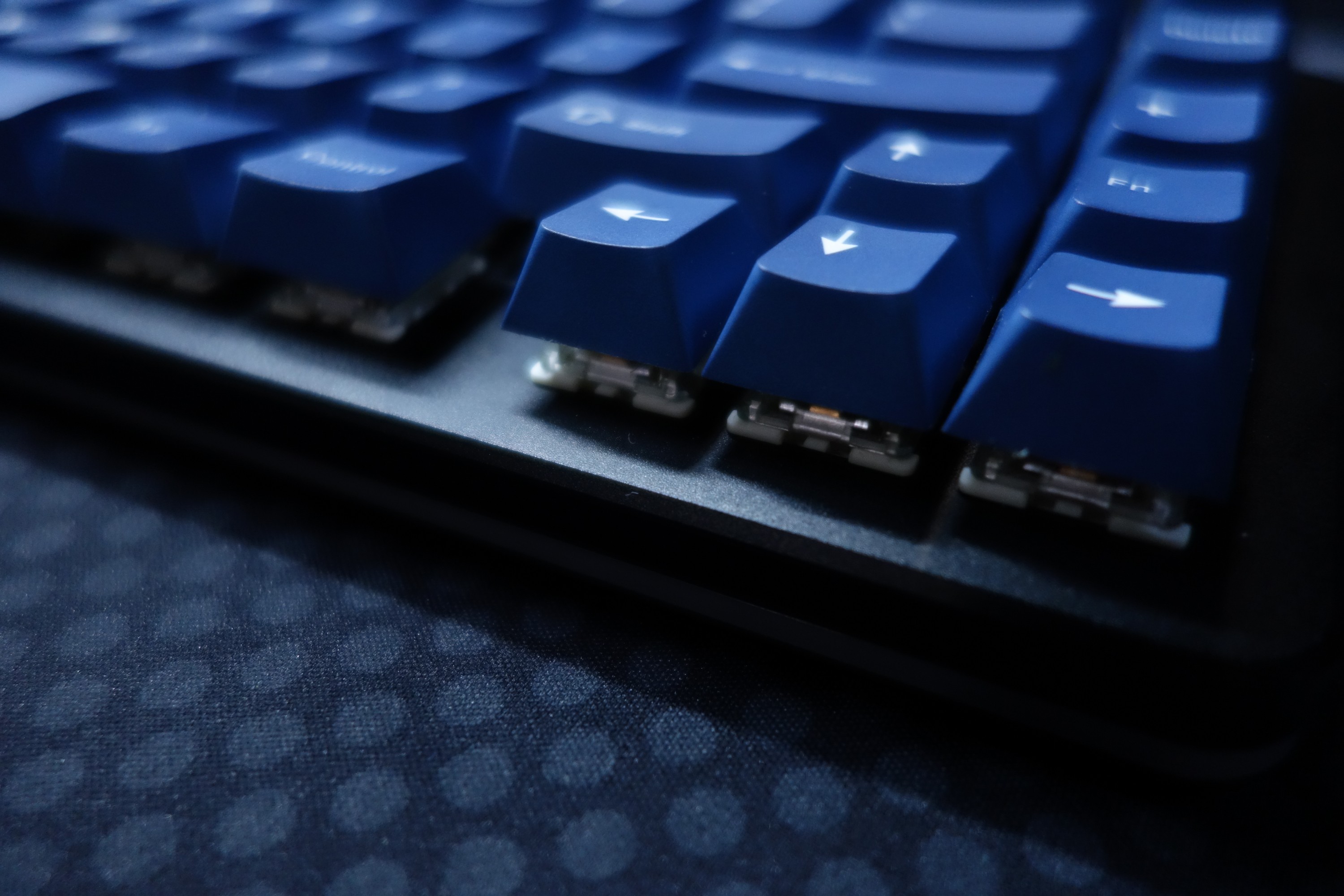
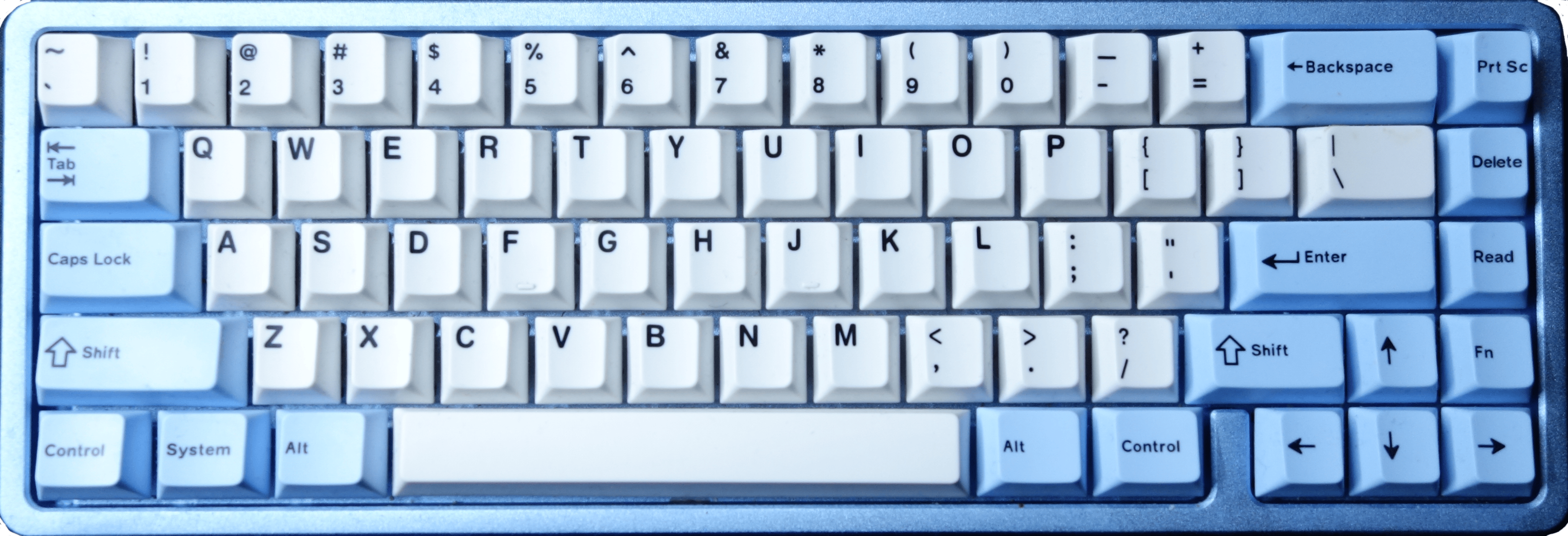
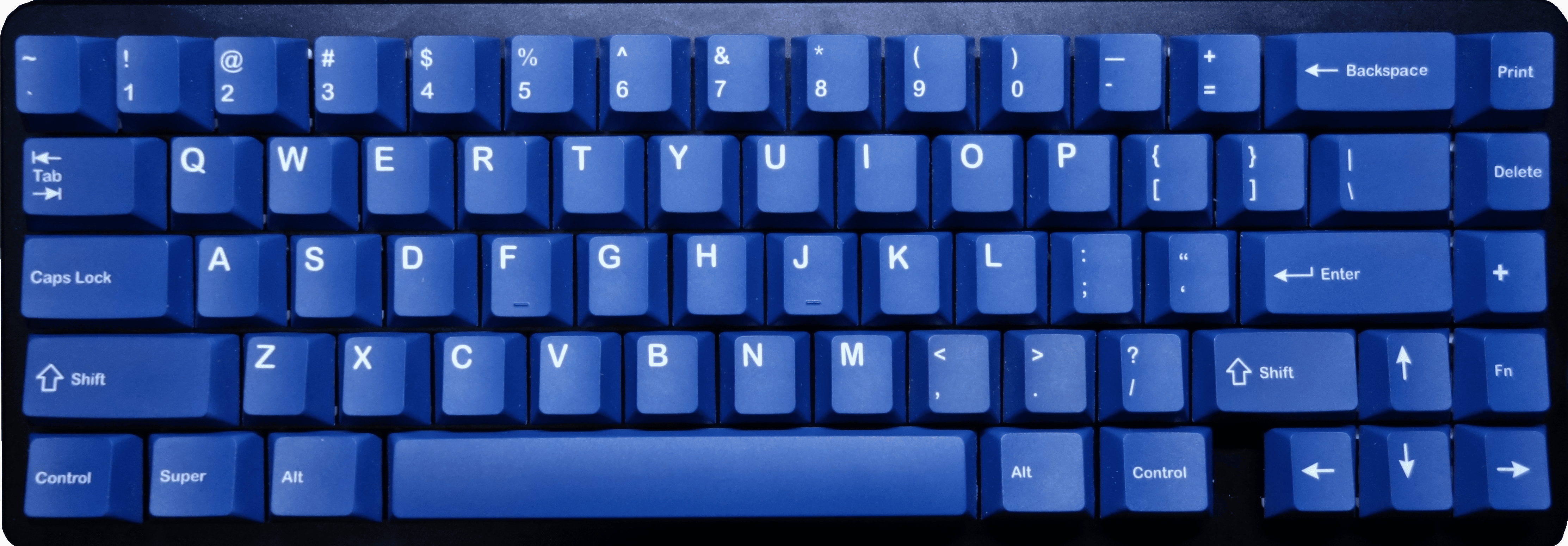
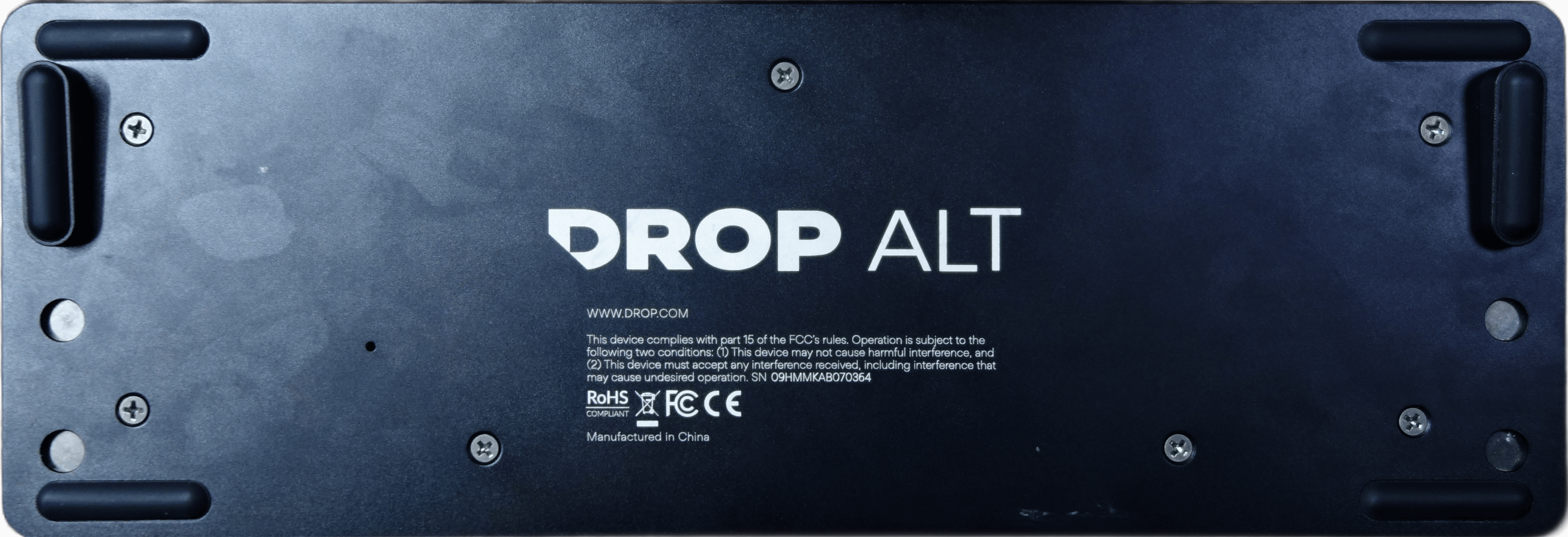
This is what I use on-the-go with my laptop. Thanks to its low-profile case, not only does it look sleek, but it also has an interesting sound due to the more open construction inherently reducing any reverberations.
Build details
- Base
-
- Name
- Drop ALT
- Description
- Drop Alt V1 Low-Profile
- Layout
- 65% (67 keys)
- Caps
- KeebsForAll PBT White on Navy
- Switches
- DROP Holy Panda X (Clear)
- Stabilizers
-
- Name
- Authentic Cherry Gold Plated Stabilizers (Plate mount)
- See also
- Authentic Cherry Gold Plated Stabilizers (ZealPC)
- Foams
-
- Name
- Drop ALT Poron Foam Kit
- Comment
- No longer available after Corsair shut down Drop

My Zoom65
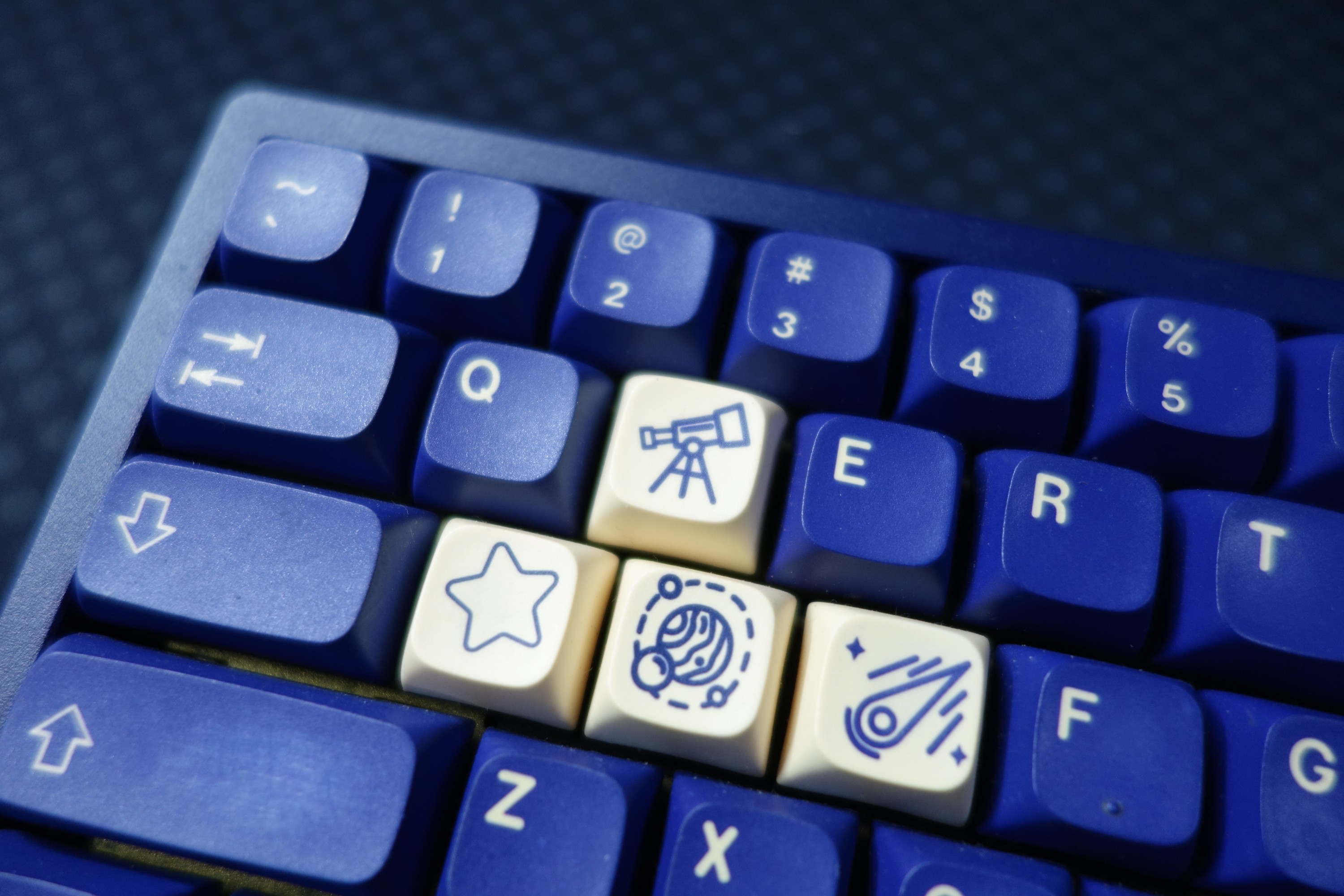
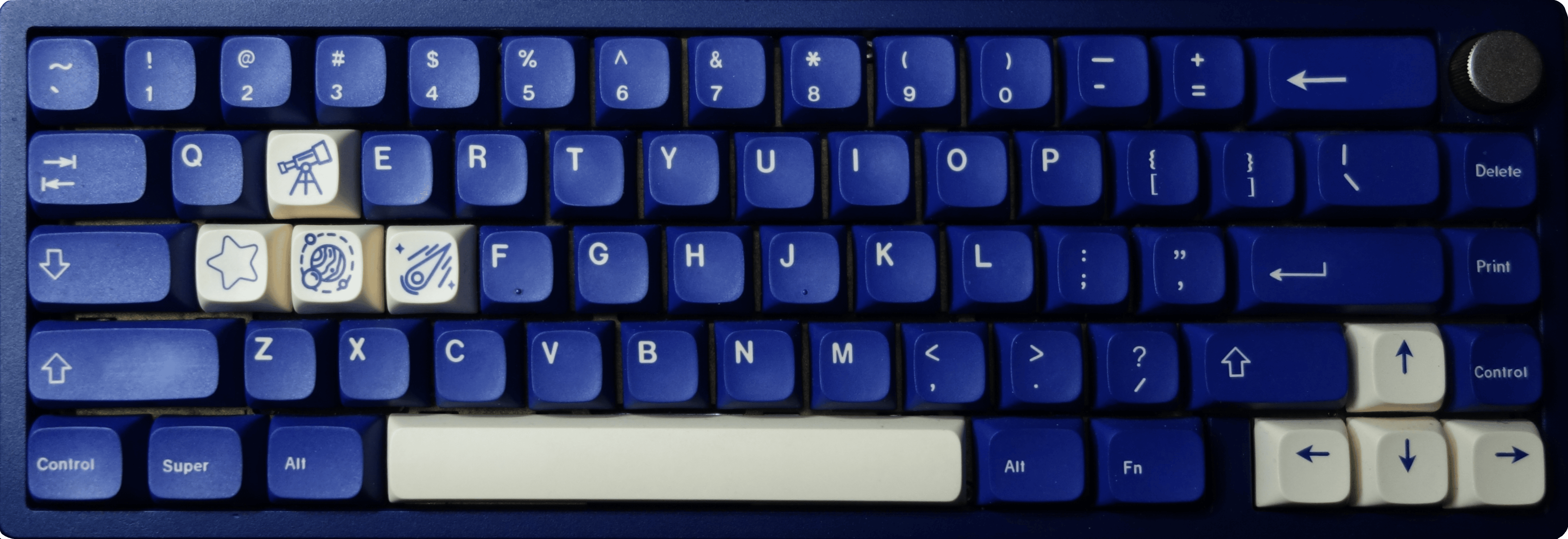
I tried using this on-the-go but it was too heavy. That and the lack of proper QMK support makes me kinda regret this build.
At least it looks cool with that telescope and astronomical aesthetic, I guess? I'm using a clone of the GMK Stargaze color way, but in XDA profile and made out of PBT.
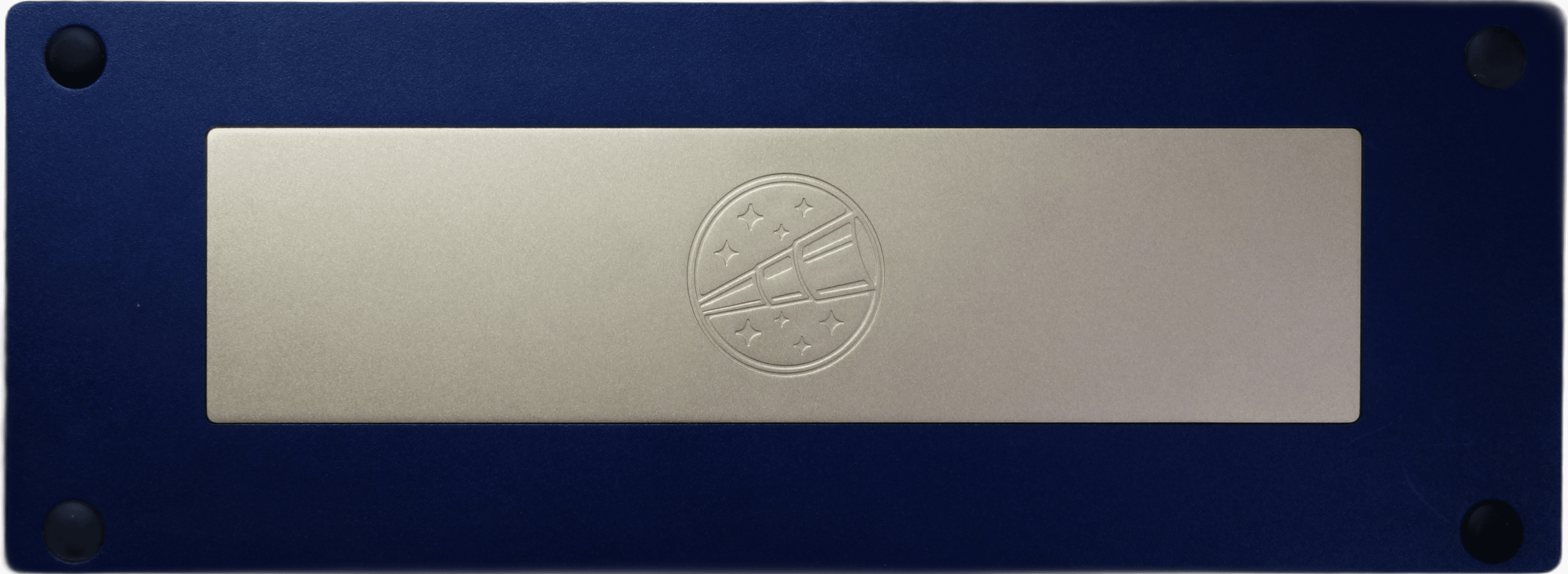
It feels pretty stiff to type on (in a good way), very solid due to the brass plate inside it. I initially bought it with a POM plate, but when the overall build was still too heavy, I decided I'd go all-in on that weight and make a really solid build. The sound is pretty quiet due to the switches, which are the Durock Shrimps, a silent tactile option. They aren't the quietest thing around, but they're fairly quiet. Silencing technology has improved a lot since these were launched.
Build details
- Base
-
- Name
- Zoom65 Essential Edition R2
- Description
- Navy case, Anodized Gold aluminum weight and knob. Brass internal plate.
- Layout
- 65% (66 keys + 1 knob)
- See also
- Zoom65 by Meletrix
- Caps
- XDA clone of GMK Stargaze
- Switches
- Durock Silent Shrimp
- Stabilizers
-
- Name
- Wuque Studio stock stabilizers
- Foams
- Stock foams
- Mods
-
-
- Name
- Holee Mod
- Description
- Applying strips of Band-Aid fabric to the inside of the area where the wires enter the stabilizer stems
- Purpose
- Tighter tolerances reduce stabilizer rattle
-

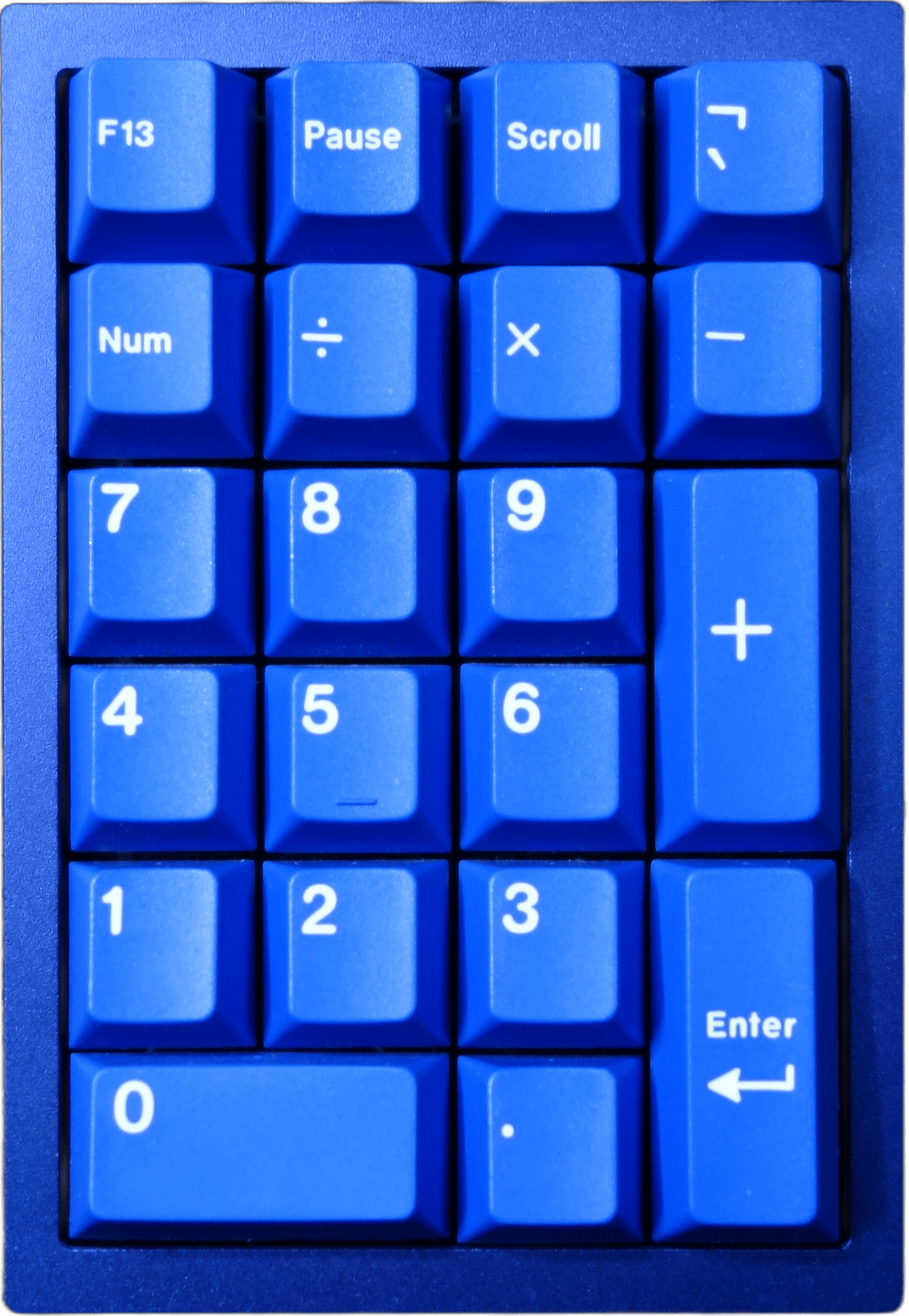
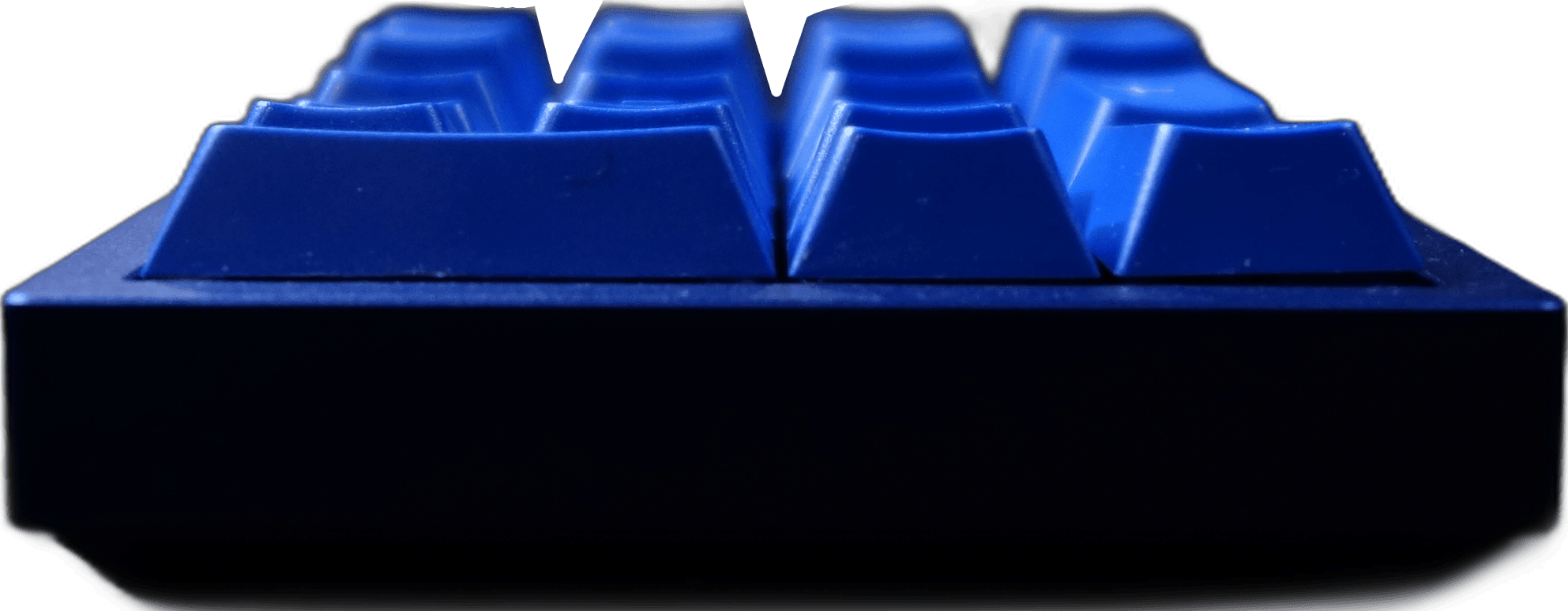
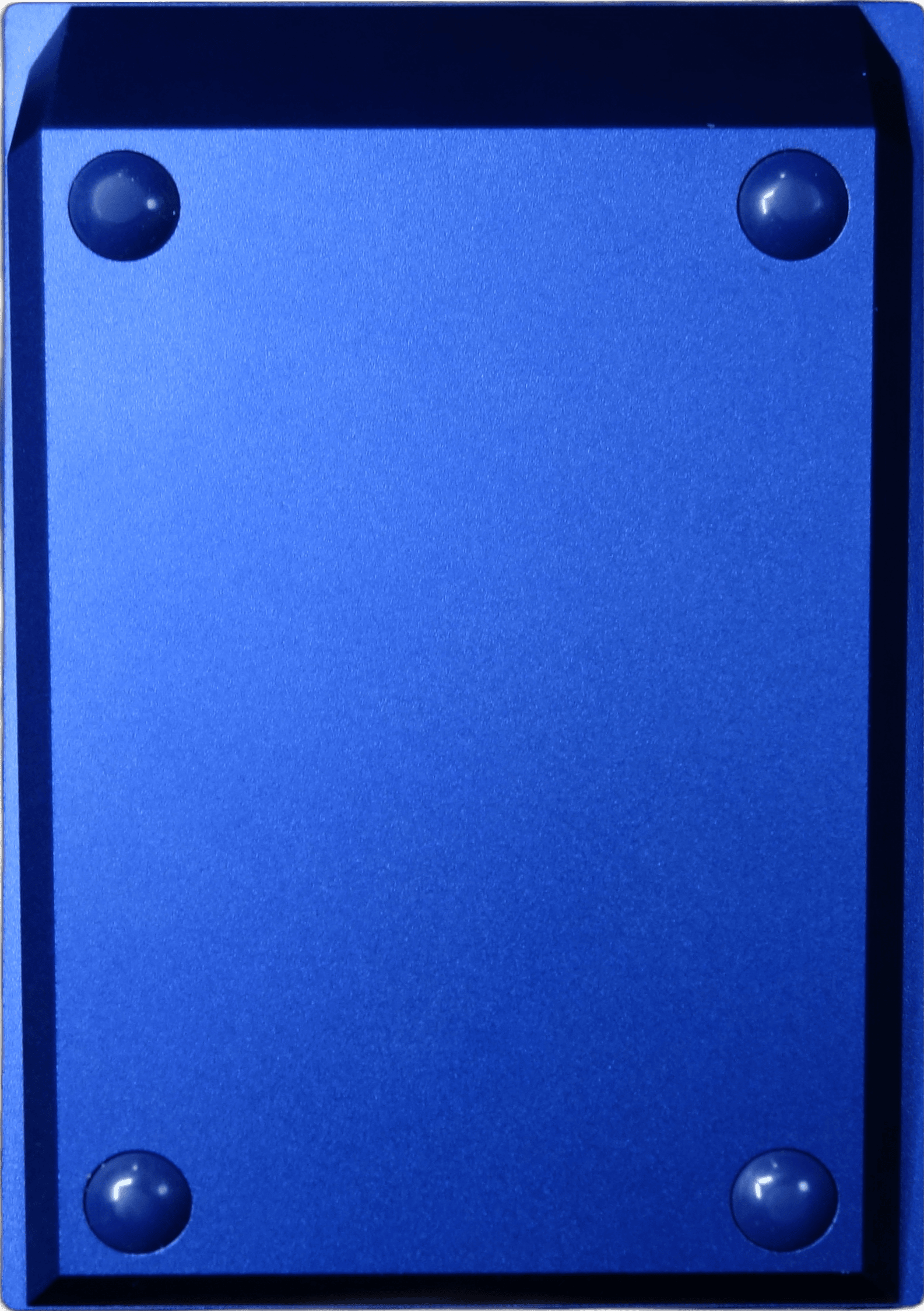
My Keychron Q0 numpad
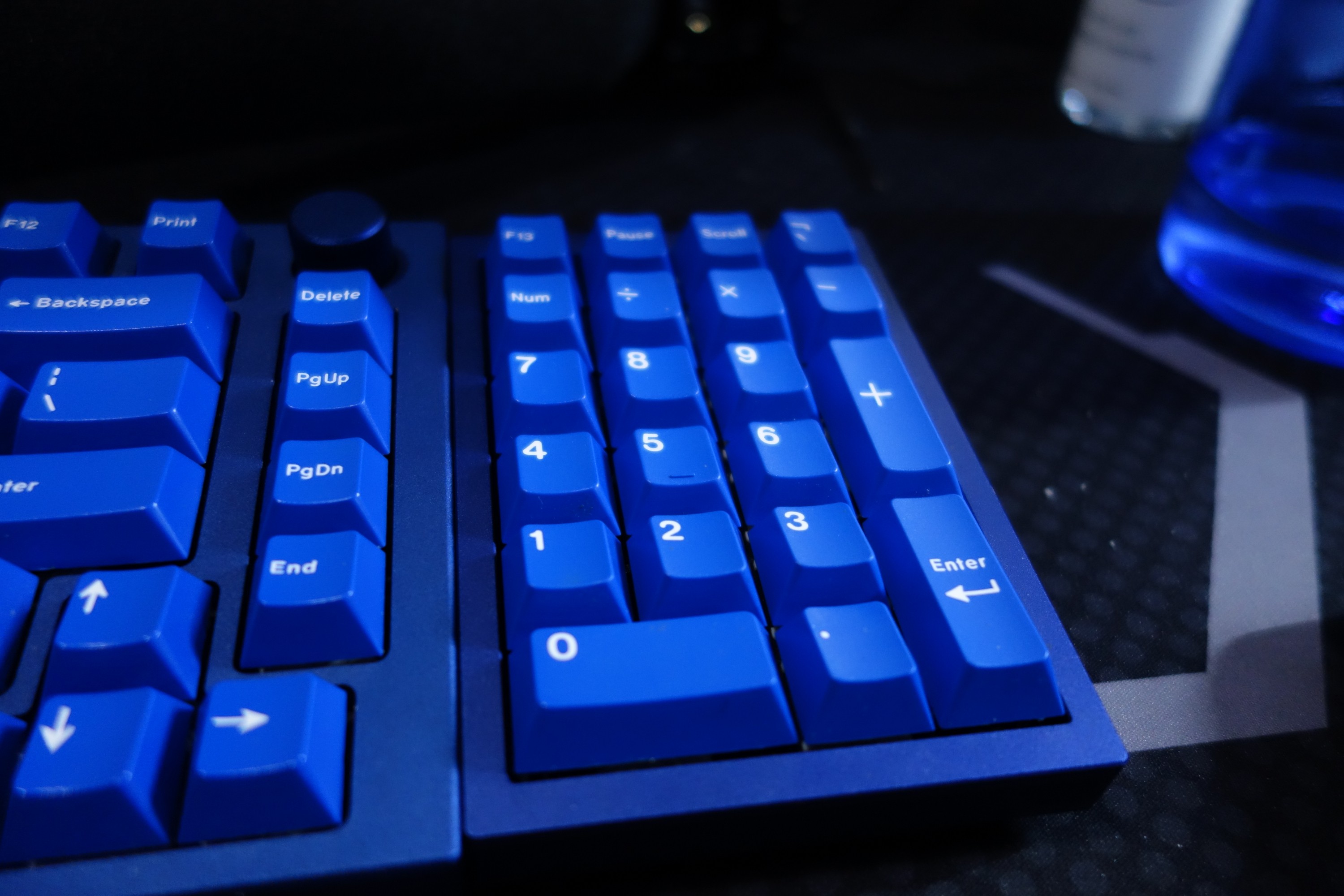
I use this rarely, when I really need to do some number-crunching.
I didn't bother recording a typing test for my Keychron Q0 because it's just a numpad. If you want to know what it sounds like, it's pretty similar to the sound of my first GMMK Pro, because it uses the same switches and caps, and it also has a similar construction with aluminum and poron foam. It also looks pretty similar.
Build details
- Base
-
- Name
- Keychron Q0
- Layout
- Numpad with top row (21 keys)
- See also
- Keychron Q0 QMK Custom Number Pad, Barebone, Navy Blue (Keychron)
- Caps
- GMK Classic Blue
- Switches
- Glorious Panda
- Stabilizers
-
- Name
- TX AP 2023, Screw-in, 1.6mm PCB, Regular Pole
- See also
- TX Screw-In Stabilizers (CannonKeys)
- Foams
-
- Name
- Keyboard Kustoms Poron Foam Kit
- See also
- Keychron Q0 Poron Foam Kit (Keyboard Kustoms)
Key cap sets I own
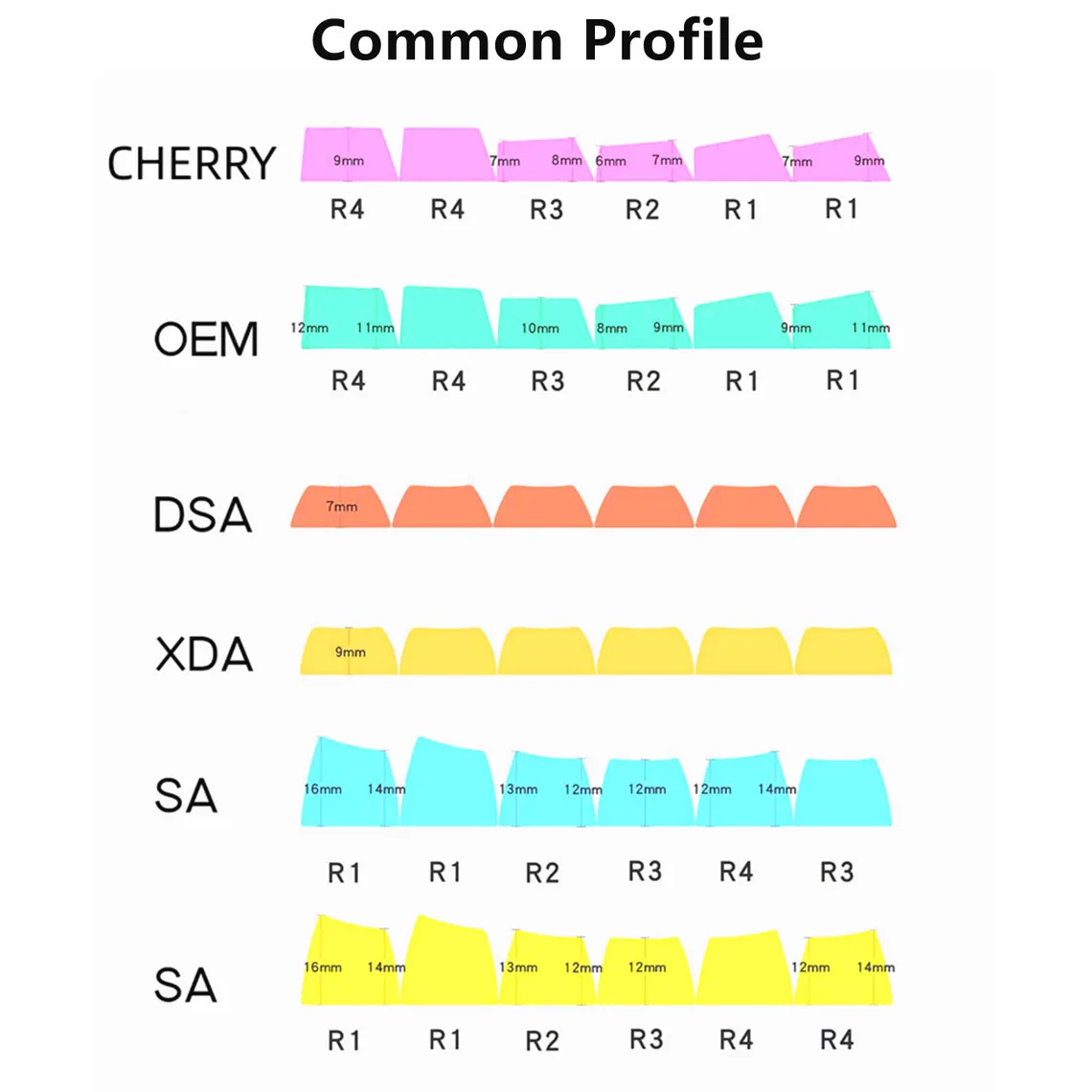
First, a quick rundown of keycap terminology and distinctions.- OEM profile
- The OEM profile is the most common profile for key caps. It's sculpted so that every row is at a different angle, optimized for your fingers. Horizontally, each key has a cylindrical curve.
- Cherry profile
- The Cherry profile is the profile that was originally used by Cherry, and mostly inherited by GMK. A little shorter than OEM profile, and with slightly more angled rows.
- DCD profile
- The DCD profile, formerly DCP, is Drop's take on a sculpted cylindrical profile, similar to the OEM or Cherry profiles but slightly rounder.
- XDA profile
- The XDA profile is a uniform profile where each key is flat. This has the advantage of eliminating differences in row heights and angles, so all rows are the same. Because of this uniformity, XDA key caps can be placed anywhere on the keyboard, which facilitates non-standard keyboard layouts.
- ABS
- ABS is a plastic that is available in multiple bright colorways, and it's easier to inject multiple colors for crisp and clear legends. It also feels smooth to the touch. One caveat is that it is less durable and also tends to develop a shine over time from finger oils and friction. This wear happens unevenly, and in my opinion it doesn't look great, but that's the price you have to pay for the benefits you get. GMK exclusively uses ABS, and many designers partner with GMK to produce their key cap sets.
- PBT
- PBT can be a more expensive plastic option that is harder to manufacture, but it comes with several advantages. It's more durable, and it doesn't develop a shine over time. You don't get the colorway choices that ABS allows for, but you do get a matte look and textured feel that can be preferable to glossy smooth ABS. Its higher density also lends better to a deeper, "thocky" sound profile.
- Multi-shot injection (double-shot, triple-shot)
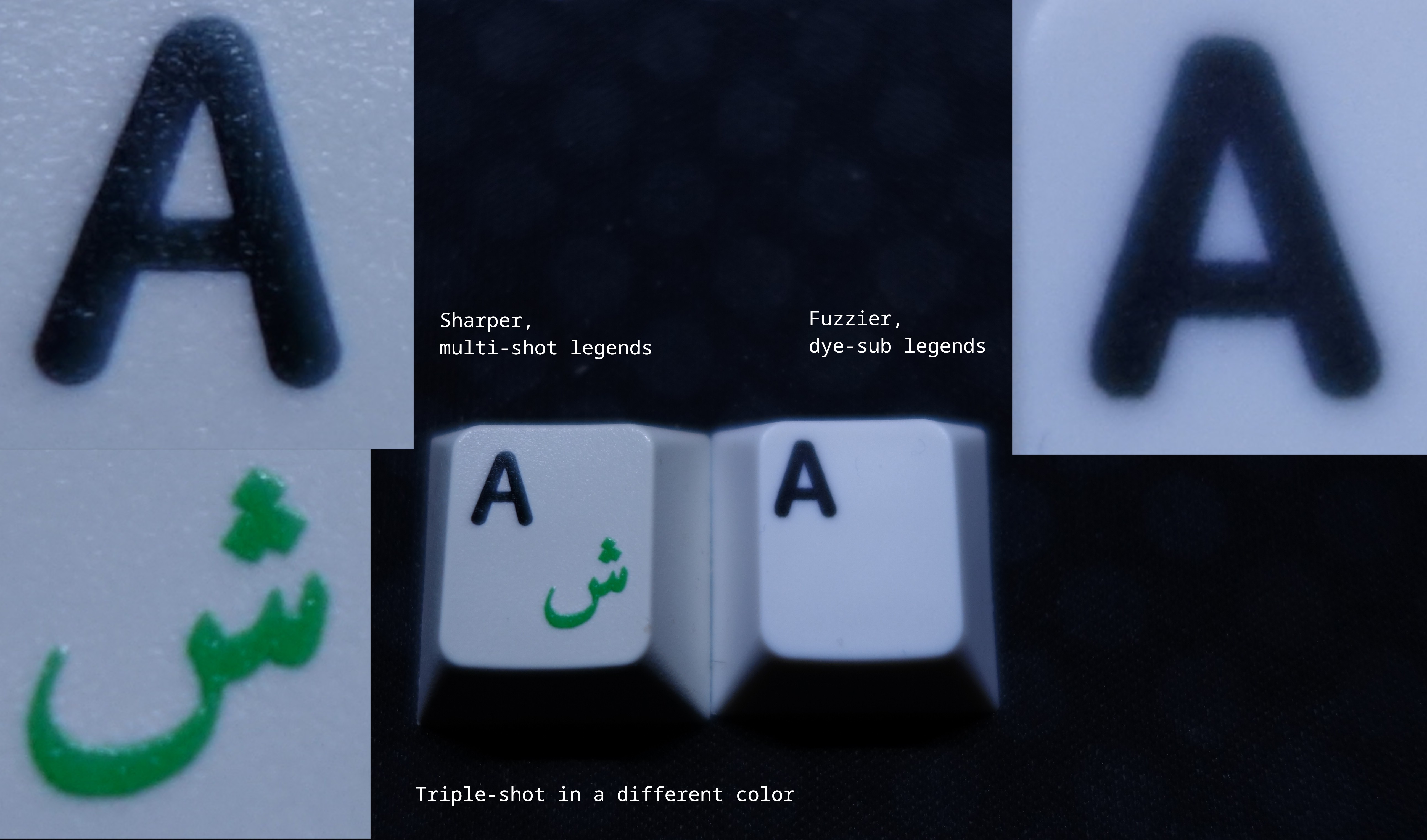
- Multi-shot injection is a technique where a key cap mold allows injecting more than one color of plastic at a time, typically used for legends. Most key caps in this category will be double-shot, using one color for the keycap and one color for the legends. It's also possible to make key caps with more than one legend, such as a triple-shot key cap with one color for the key cap, one color for the primary legend, and one color for the secondary legend (often in a different alphabet). This technique is often used with ABS, but can also be used in higher-end PBT kits as well.
- Dye-sublimation
- Dye-sublimation is a technique for printing legends onto a key cap using heat and pressure. Legends produced this way take a while to produce, can't be produced in many colors, and are less crisp overall. This technique works best when the key caps are a light color, but the result will probably be fuzzy around the edges. As a side-effect of needing to use a polymer coating to bind to the dye, PBT key caps produced this way can feel smoother.
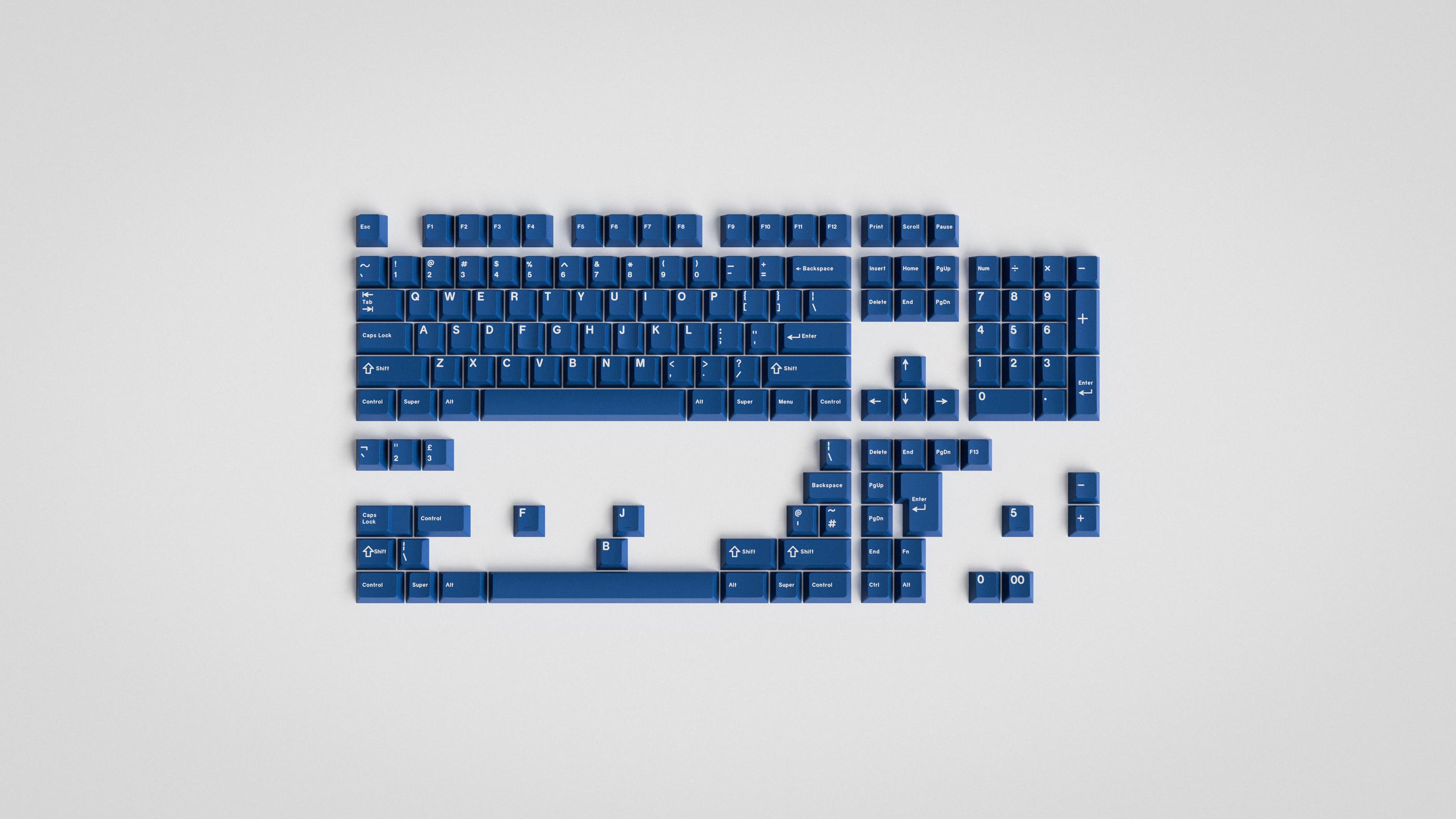
GMK Classic Blue
Currently used in my first GMMK Pro and my Keychron Q0.
I own the Blue Base kit.
- Maker
- GMK
- Designer
- ARSLOCK
- Profile
- Cherry
- Material
- ABS
- Legends
- Double-shot
- See also
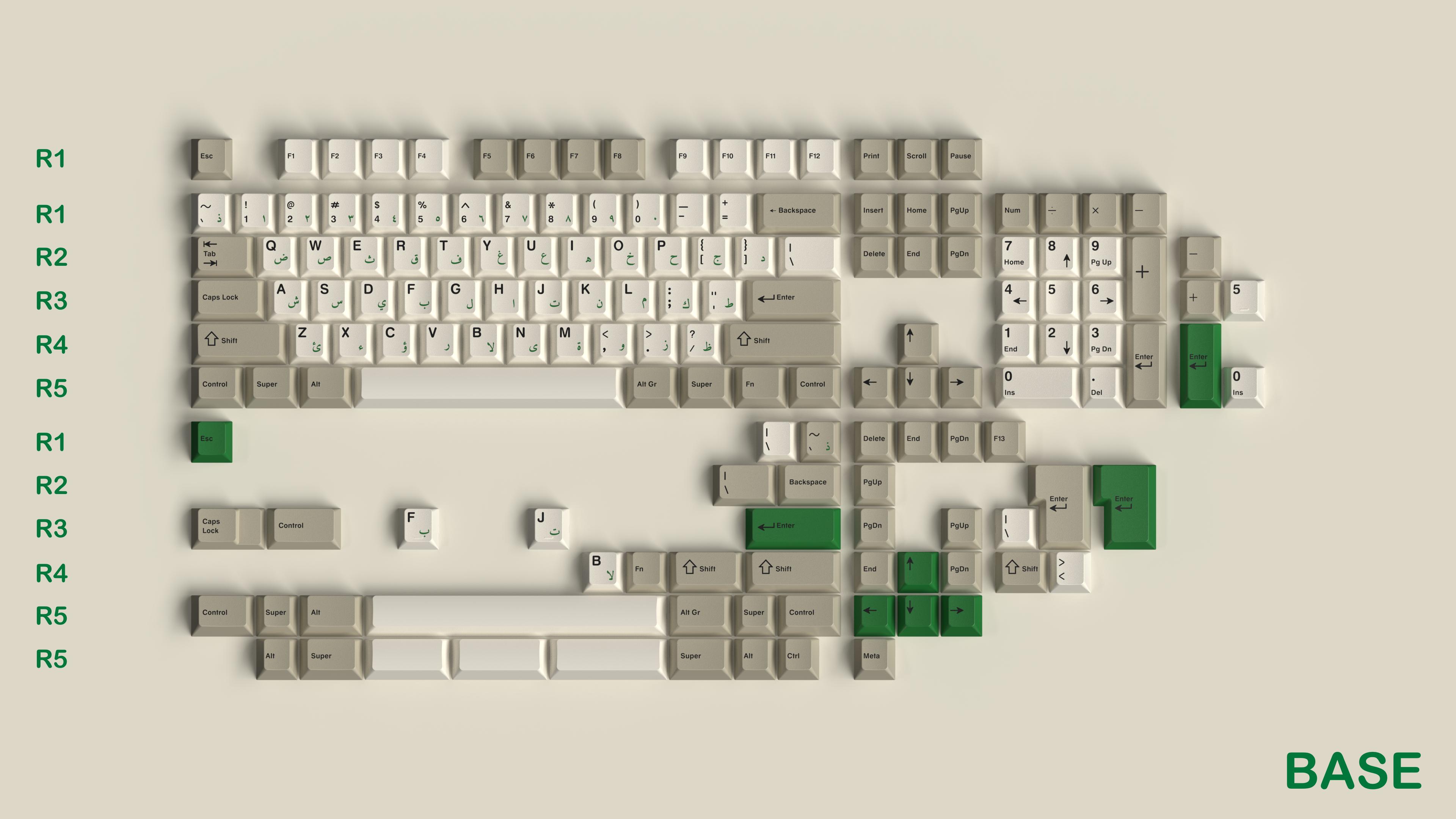
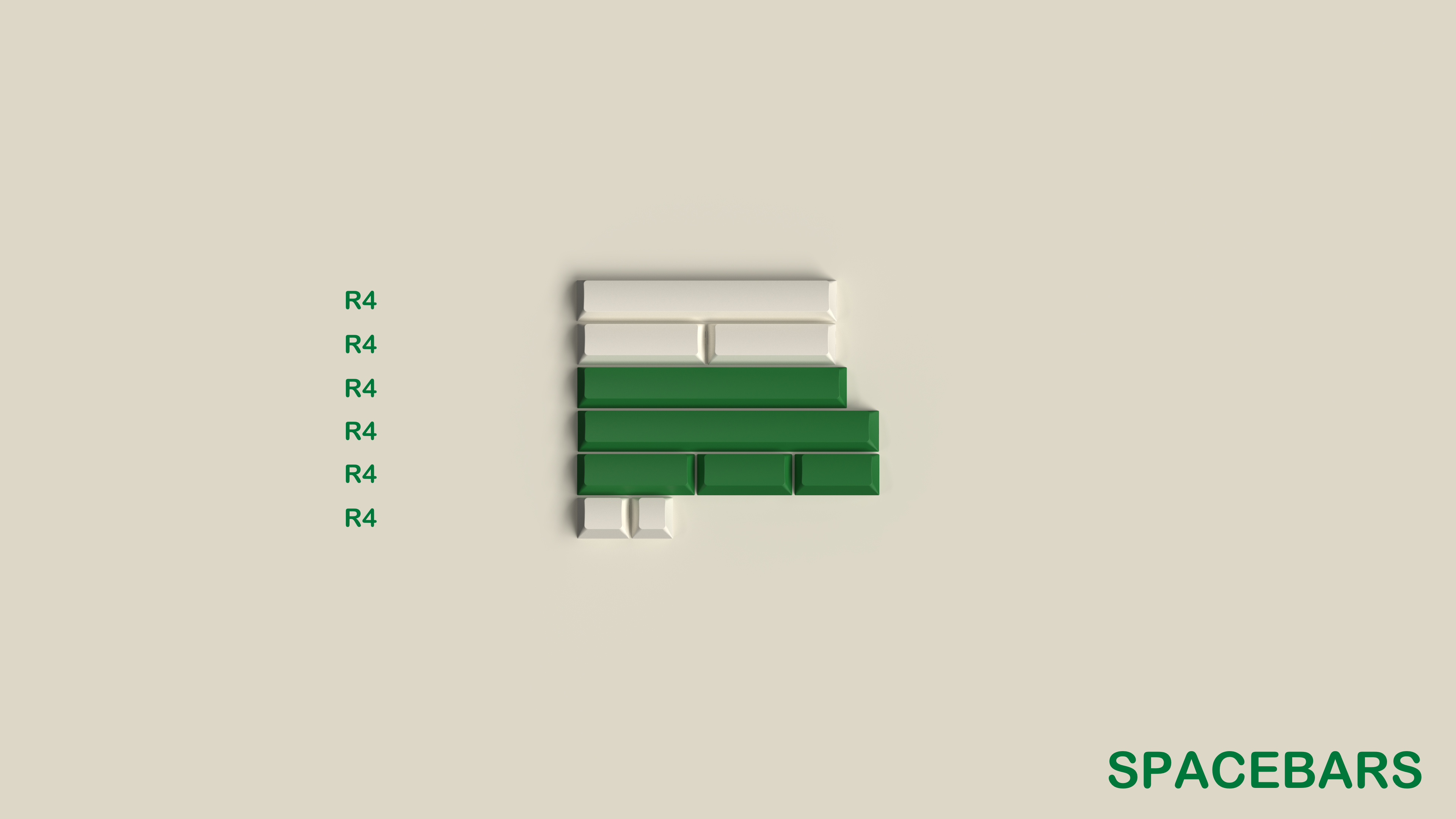
GMK Classic Arabic
Currently used in my second GMMK Pro.
I own the Base and Spacebars kits.
- Maker
- GMK
- Designer
- SMOKEY
- Profile
- Cherry
- Material
- ABS
- Legends
- Double-shot
- See also
GMK Stargaze
Currently unused.
I own the Base, Novelties, and Alt Alphas kits.
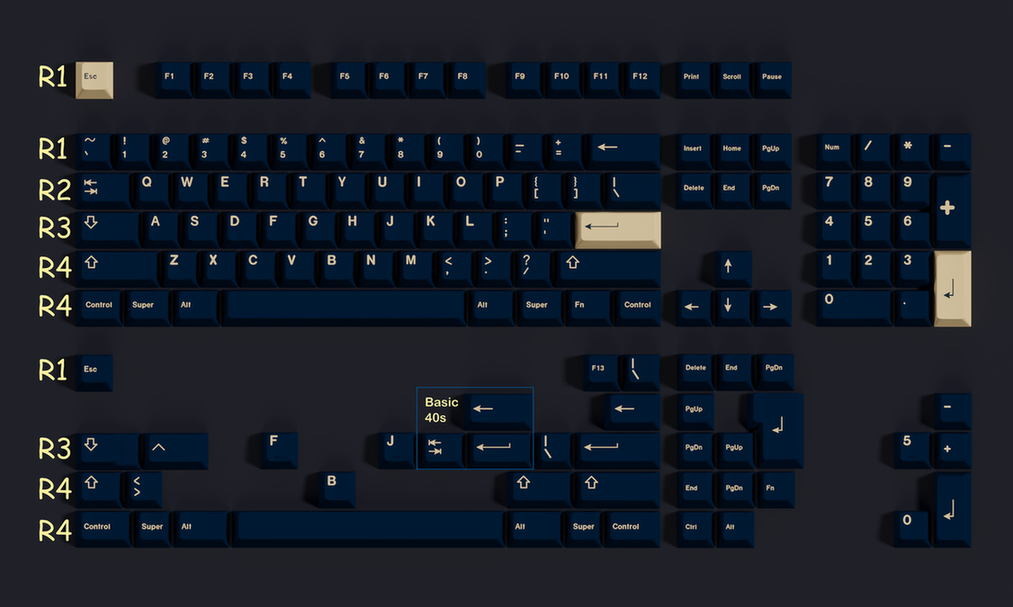
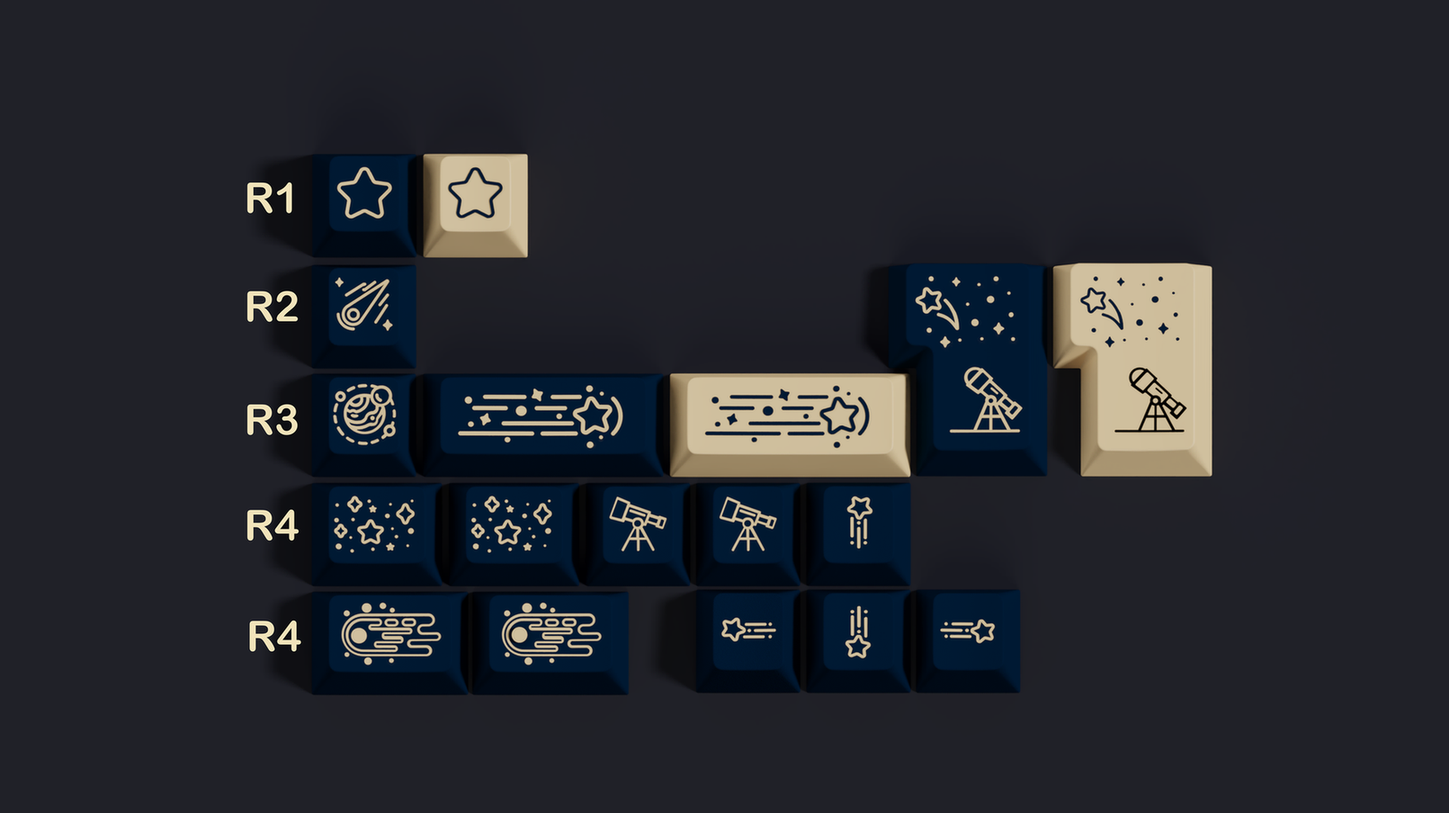
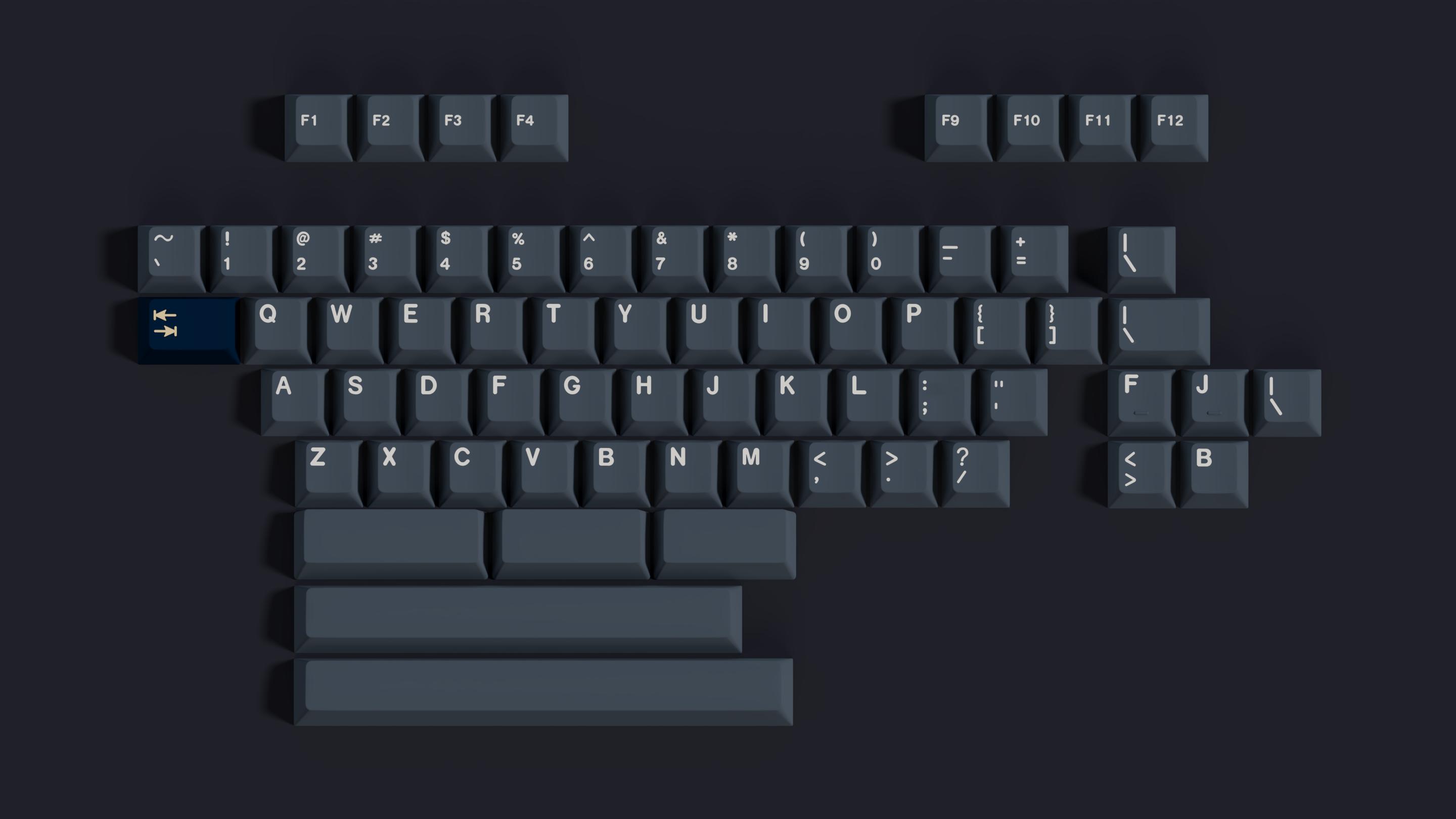
- Maker
- GMK
- Designer
- dandruff
- Profile
- Cherry
- Material
- ABS
- Legends
- Double-shot
- See also
XDA Stargaze (Clone)
Currently used in my Zoom65.
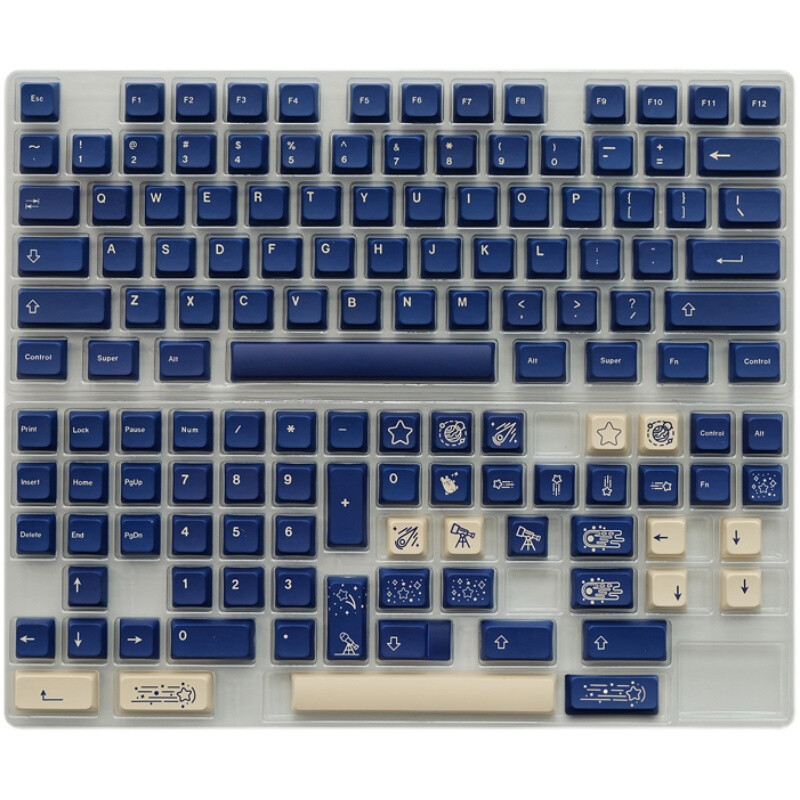
- Description
- Unbranded clone of the GMK Stargaze key cap set.
- Profile
- XDA
- Material
- PBT
- Legends
- Dye-sublimation
- See also
- Stargaze Keycap Blue XDA Height PBT 137 Keycaps Dye-sub for Cherry MX Keyboard (eBay)
Drop x MiTo DCD Pegaso
Currently used in my high-profile Drop ALT.
I own the Base kit.
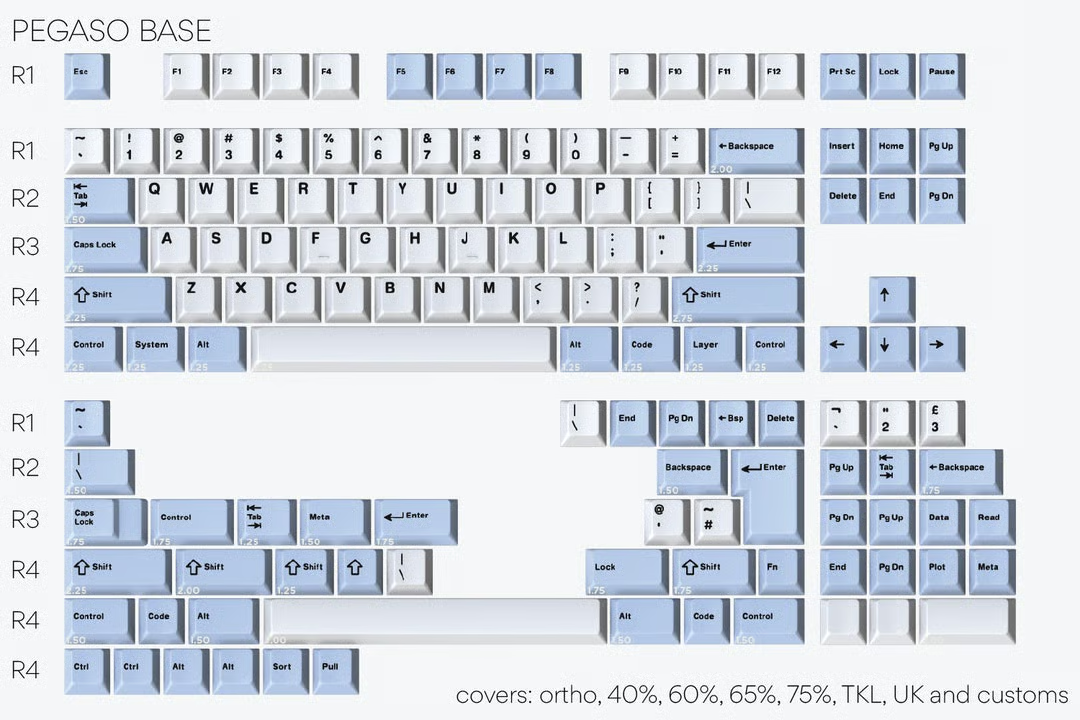
- Maker
- Drop
- Designer
- MiTo
- Profile
- DCD
- Material
- PBT
- Legends
- Dye-sublimation
KeebsForAll PBT White on Navy
Currently used in my low-profile Drop ALT.
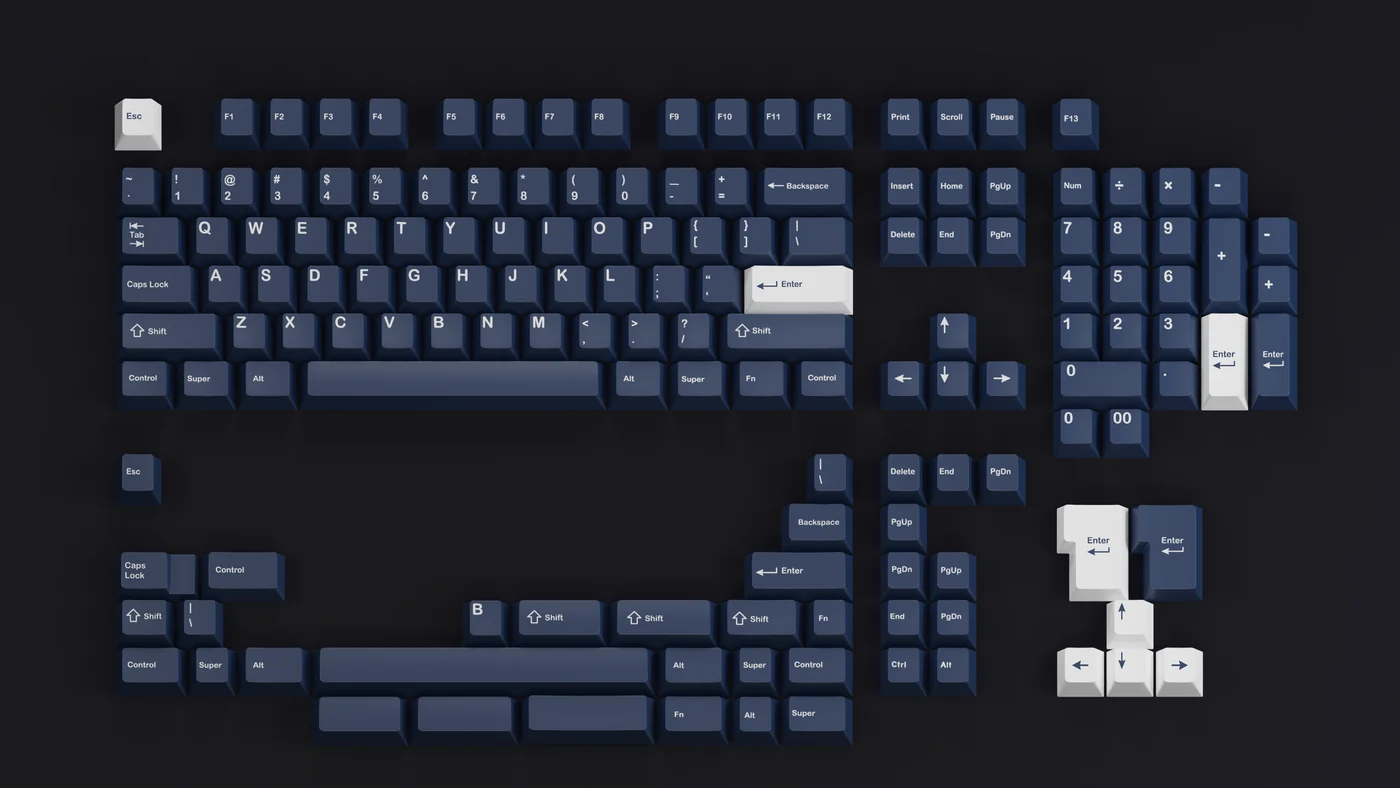
- Maker
- KeebsForAll
- Designer
- KeebsForAll
- Profile
- Cherry
- Material
- PBT
- Legends
- Dye-sublimation
- See also
- kfaPBT White on Navy Keycaps (KeebsForAll)
Switch preferences and experiences
Cherry MX Brown
These originally came with my low-profile Drop ALT. I've since moved on. Cherry MX switches are what everything else is based off of, but these are just soft and a bit mushy and barely feel like anything.
Glorious Panda
There are probably better switches out on the market, especially now, but they are fine for what they are: a slightly cheaper Holy Panda using the original molds for the Invyr Panda. This matters less and less over time, but being 3-pin and long-pole switches means that they don't have north-facing switch interference with Cherry profile keycaps, in case you have a backlit keyboard with shinethrough keycaps... which I mostly don't. This is probably a relatively "safe" switch if you like what it offers and get it when it's cheaper.
DROP Holy Panda X
Despite bearing the "Holy Panda" name, these switches are not like the Holy Panda line at all. They use normal length stems instead of long-pole stems, and the tactile bump is smoothed out rather than punchy. It's not a bad switch, but it really shouldn't have been called the "Holy Panda" X. Nothing stands out as particularly wow-worthy, but it's still fine! It just feels mostly fine. It doesn't offend in anything except maybe price.
Boba U4 (62g)
I bought these and used them for a while in my Zoom65, but I didn't like them very much, so I replaced them with the Durock Silent Shrimp instead. The Boba U4 is too rounded, and the tactile event takes place over basically the whole actuation, in what is colloquially known as a "D-shape" bump.
Durock Silent Shrimp
Durock switches tend to have a nice, sharp tactile feeling. The Shrimps are basically silenced versions of that. They're not the quietest, and there are quieter switches out on the market now. But I still like them quite a bit for what they are. Maybe one of my favorite switches.
Kailh Box Whale Pro Silent Tactile
I bought these and almost instantly returned them because they hurt my fingers. They weren't even that silent, either, so I couldn't really find any reason to keep them, even for potential later use.
Outemu Silent Yellow Jade V3
I bought these but ended up not using them. Too much leaf ping, IMO, which is accentuated by just how quiet everything else was. This is one of those "objectively quiet but subjectively shit" sounds, kind of like how a fan spinning up is technically louder than not spinning up, but if it hides GPU coil white, then it leads to a more pleasing sound profile despite technically being louder decibel-wise.
Akko Penguin V3
The Akko Penguin V3 is a silent tactile switch that's honestly pretty great for how cheap it is. I'd say they are maybe the best silent tactile switch that isn't the Durock Shrimp, and it's debatable if they are better or worse or a sidegrade. They're definitely very quiet without being objectionable in any way; the leaf ping isn't present like it is with the Outemu Silent Yellow Jade. The Penguins are also pretty comfy to type on, with a decent amount of force for what it is (50 gf). Some people say this switch is a bit scratchy, but mine don't seem to be. The shape of the bump isn't a rounded-out D like the Boba U4, but rather it is a top-loaded "P" shape more in line with my preferences. I'd recommend these.